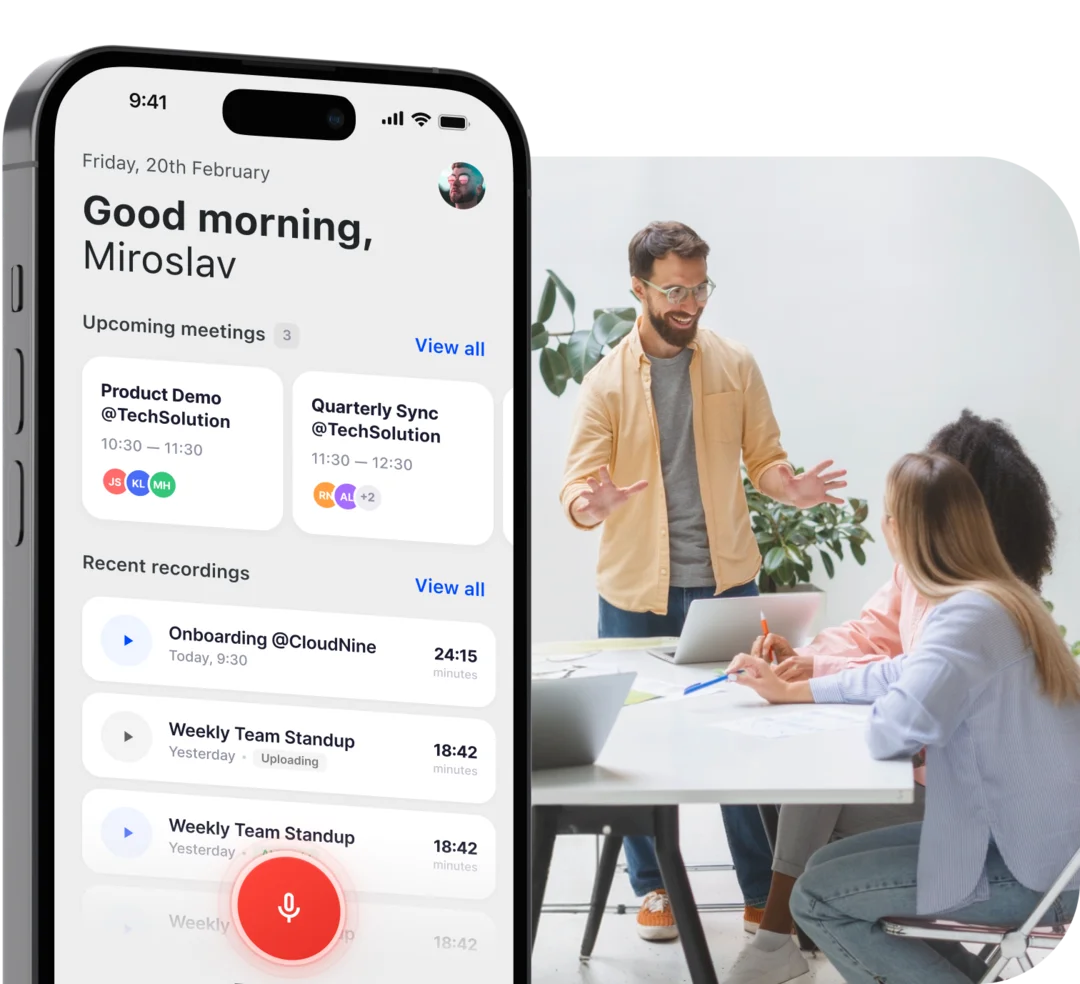
Customer visits
Sit across the table without a notebook. The summary and next steps are waiting before you reach the car.
Customer visits, walk-and-talk meetings, a voice memo on the drive back. Tap record and Demodesk writes the summary and follow-up, updates your CRM and coaches you on the conversation. About 30 minutes of admin back, every meeting.
00:07
Taking notes..
 Ideas on the move
 In the room
One tap in the room.
Everything else, done.
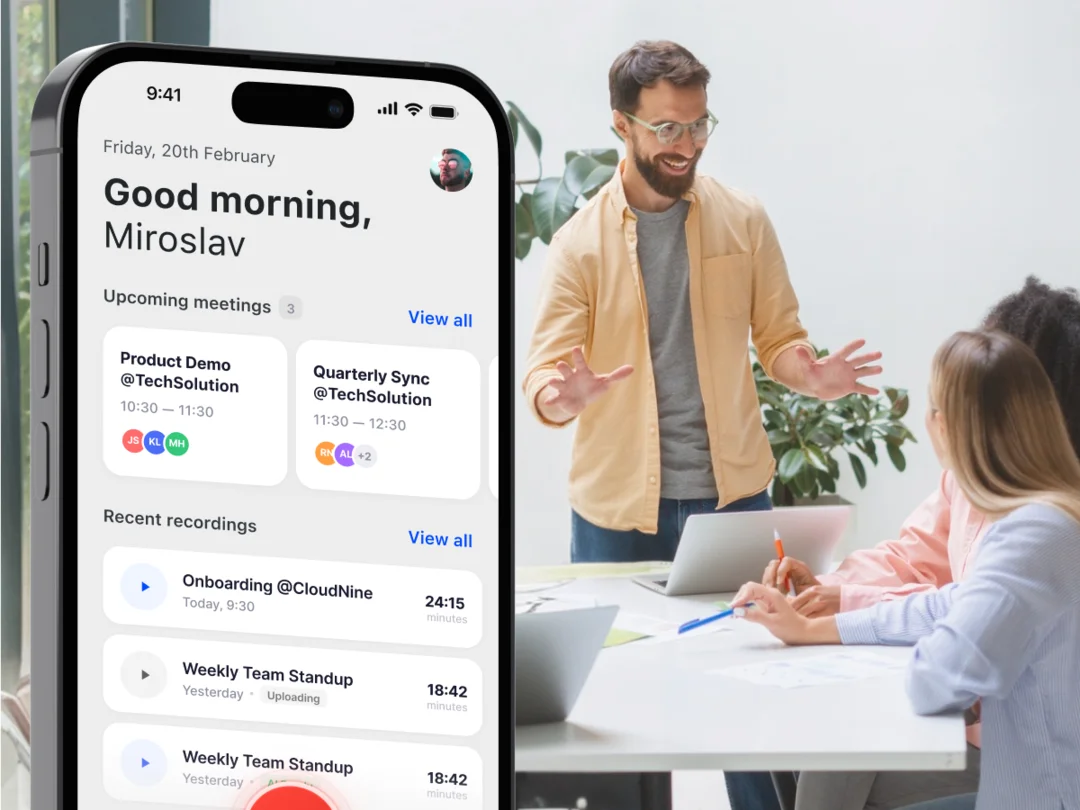
The recording uploads in the background. Transcript, summary, follow-up and CRM fields are ready before you are back at your desk. Your online calls and your in-person ones, finally in one place.
Open the app and tap record, or pick the meeting from your calendar. A live waveform confirms the audio is coming through. Then put the phone down and stay in the conversation.
When you stop, the recording uploads in the background, even after you leave the app. Demodesk transcribes it, tells the speakers apart and pulls out what mattered.
AI finds the right deal, logs the conversation and updates the fields. The follow-up is drafted in your style and the call is scored against your playbook. You review, then send.
Sit across the table without a notebook. The summary and next steps are waiting before you reach the car.

A two-minute debrief on the walk to the next appointment. Talk it through; Demodesk files it against the right deal.

A voice memo on the drive back keeps the detail you would otherwise lose. AI turns it into notes and actions.
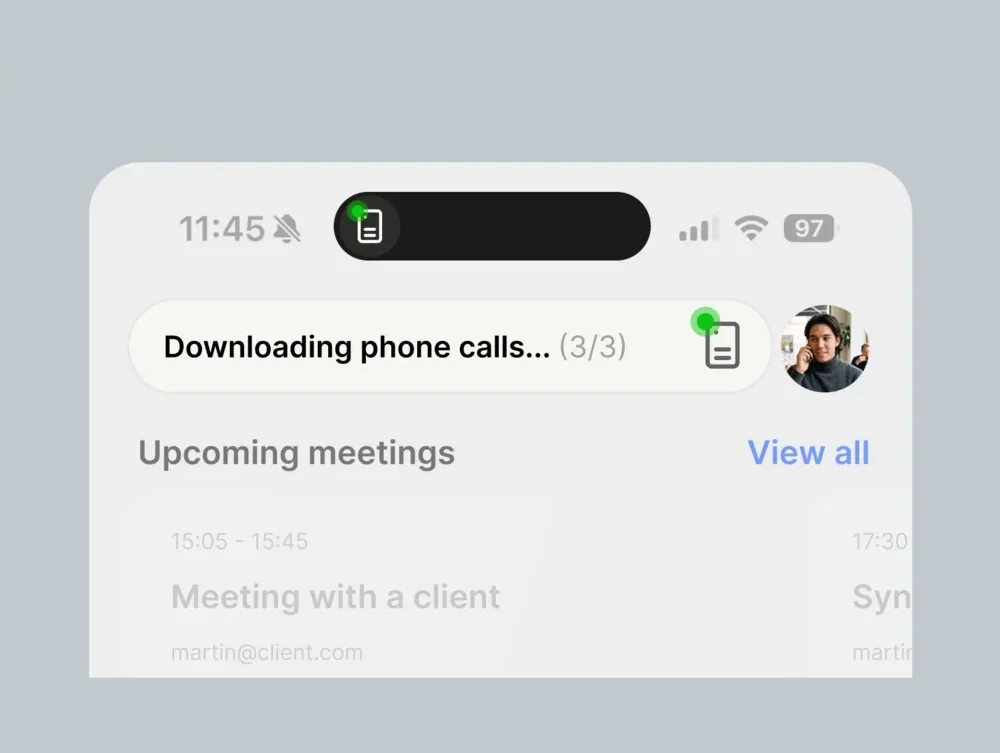
iOS won’t let apps record calls. The Demodesk Recorder captures both sides and uploads through this app.
Field reps spend the day in cars, lobbies and customer sites, not in Zoom. The app records where the conversation happens, with no meeting link and no laptop.
Tap record when the visit starts, or pick the appointment from your phone’s calendar so the recording is linked to it. Pause and resume during the conversation.
Cellars, rural roads, customer sites with no reception. Recording works offline and uploads in the background once your phone is back online.
Visits end up in the same call library as your video meetings. With your CRM connected and the AI CRM Concierge switched on, the recording is matched to the contact by participant email.
A day in the field
A rep records each visit from its calendar entry and confirms the participants’ emails when she stops. She drives on while the upload runs in the background. Once it finishes, the summary and follow-up draft are in Demodesk, and with the AI CRM Concierge switched on, the suggested CRM updates wait for her approval.
Recording and transcription are part of every plan. Scorecards and CRM updates come with Coaching & AI. See what each plan includes
A recording from your phone goes through the same four agents as every online call in Demodesk. Nothing to set up on the app side.
 01
01Transcribes the recording in 98 languages, writes the summary and drafts the follow-up in your voice.
 02
02Finds the right deal, suggests the field updates with the reasoning shown, and writes them to Salesforce, HubSpot or Pipedrive once you approve. 99% accuracy.
 03
03Scores the conversation against MEDDIC, BANT or your own scorecard, seconds after you stop, with concrete tips for the next one.
 04
04Turns every visit, CRM update and email thread into pipeline risk, objections and competitor intel, without manual review.
Free with your Demodesk account
Get the app, sign in with your Demodesk login and record your next meeting. The follow-up will be waiting when it ends. Free with every plan, 14-day trial, no credit card.