Let the AI add pages to your playbooks
Ask the AI to add an agenda item or a website tab to a playbook, with the talk track written in and placed where you want it. It works in AI chat, with your agents and from a connected AI tool.
Ask for an agenda item or a website
Ask the AI Assistant, the AI Analyst or one of your agents to add a page to one of your playbooks, and it can add the two kinds of page you pick yourself under Add content: an Agenda item to give the deck structure, or a Website with a web address. A connected AI tool can do the same through our open platform. Every new page needs a title, and it can arrive with its talk track already written, so you can ask for the page and the Notes underneath it in one request.
Website pages need a full public web address. Internal and private addresses are turned down with an explanation and nothing is added. Google slides and Document pages still have to be added in the playbook itself, where you pick the file.
Say where the page lands
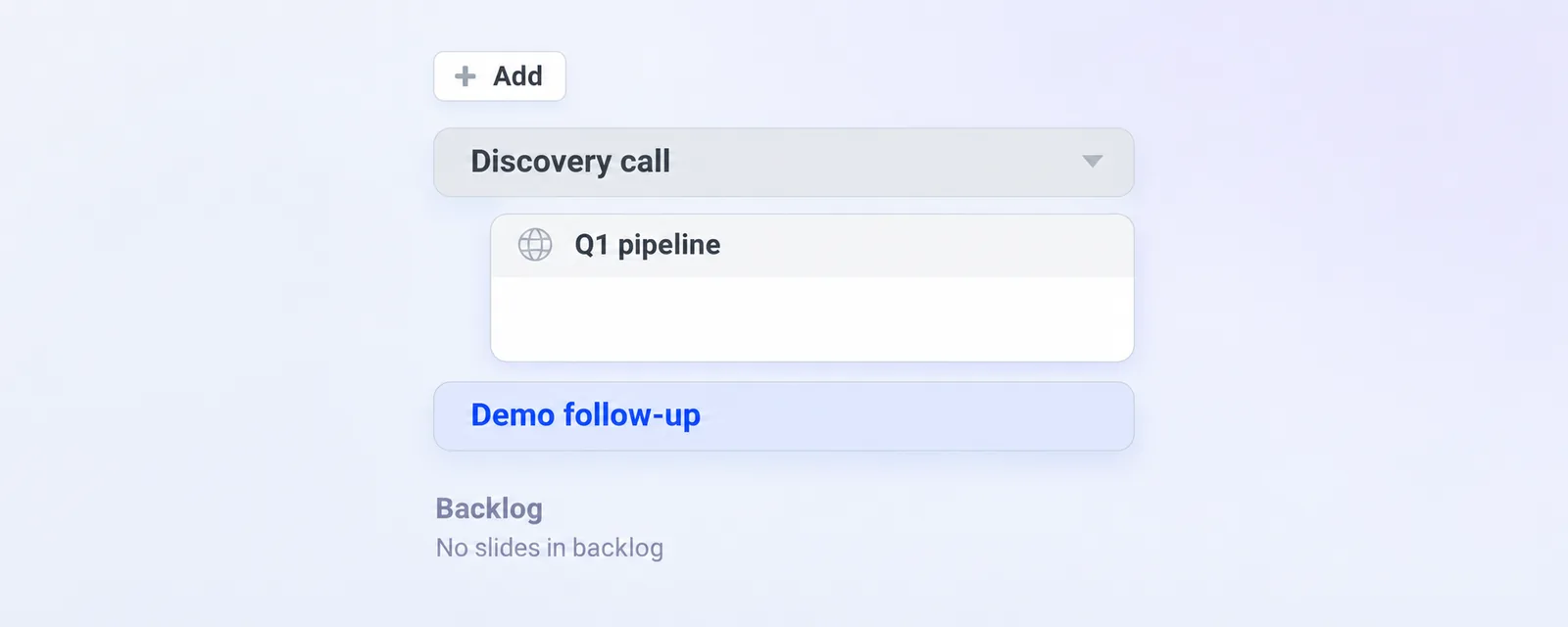
By default a new page goes to the end of the playbook. Point the AI at a page that is already in the playbook and the new page is placed right after that page and its subpages, on the same level, and those subpages stay where they are. Ask for several pages after the same page and they keep the order you named them in.
Up to 20 pages can be added in one request, so a bigger build happens in a few rounds. New pages cannot go straight into the Backlog: add the page first, then ask for it to be parked. A parked page also cannot be used as the spot to insert after.
Nothing half built
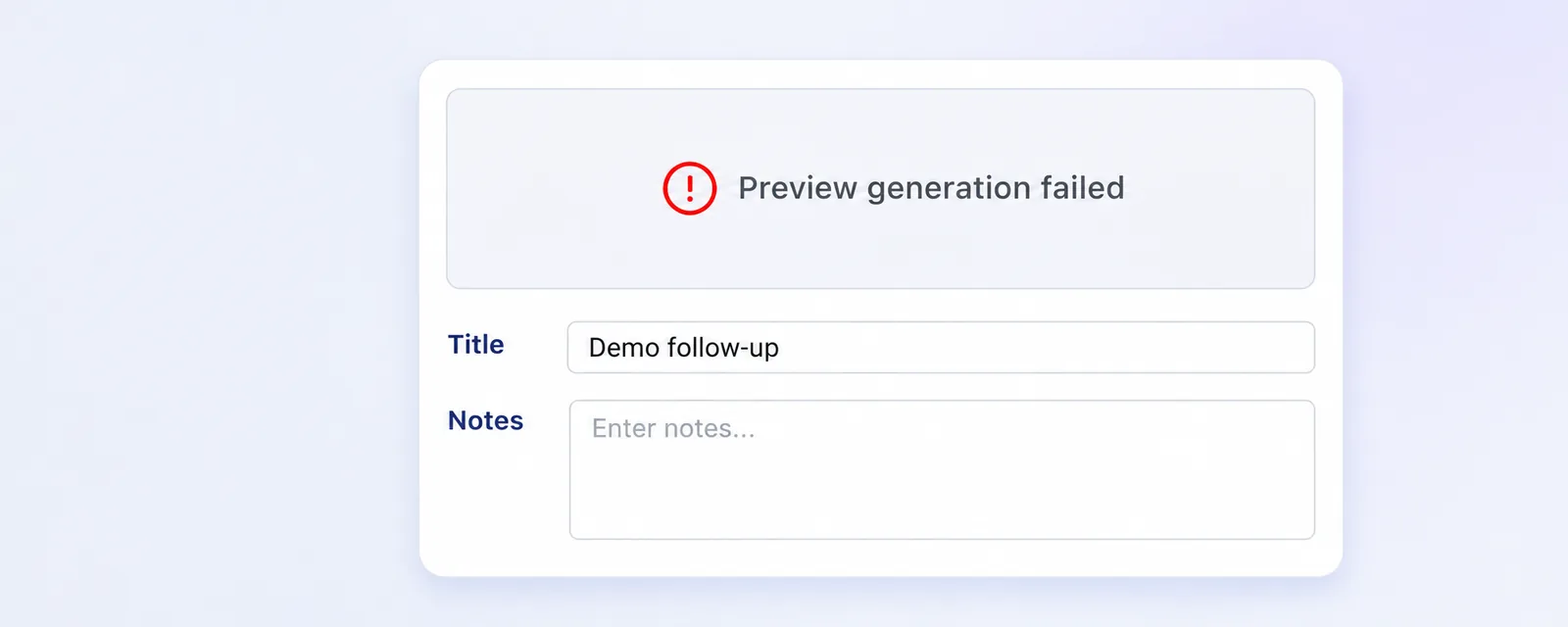
The whole request is checked before anything is written, so a missing title, a page that does not belong to the playbook or an address that is not public leaves the playbook exactly as it was. The AI works with your own permissions, so it only adds pages to the playbooks you could edit yourself. The preview picture of a website page is fetched right after it is added, and the page stays even when that does not come through.
A meeting takes its own copy of the playbook shortly before it starts, so a page you add now reaches your playbook and the meetings that have not copied it yet, while a meeting that already has its copy keeps the pages it had.
Connecting an AI tool is covered in this article, and there is more on playbooks in our help center.