How can I change my default Meeting Type?
Updated March 7, 2023
Meeting Type Templates
The default meeting type sets the reminder emails for your meetings scheduled via the Hubspot and Calendly integration. Moreover, it allows you to record meetings by default.
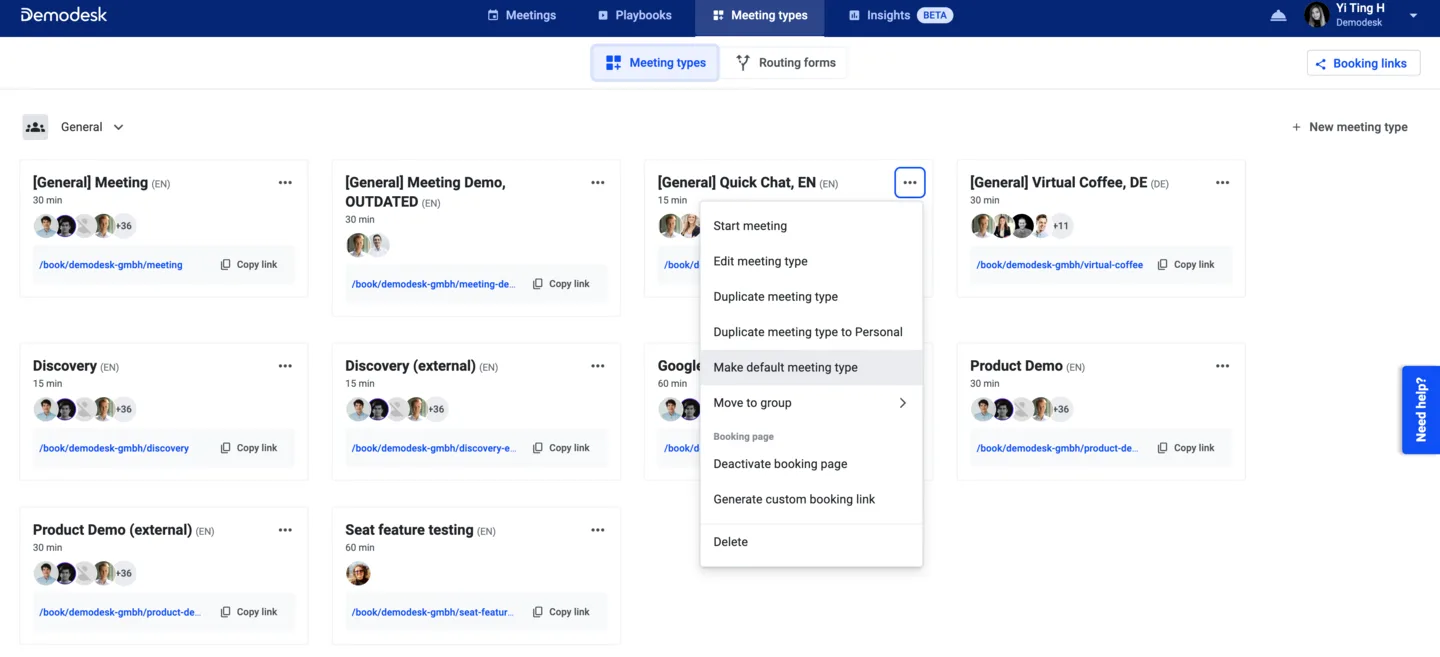
To set a default meeting type, go to Meeeting Types.
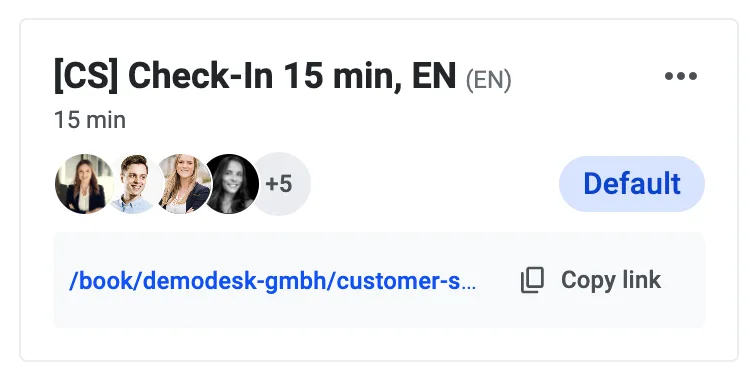
For the template you want to change, click on the drop-down arrow on the top right corner of the template card and select Make default meeting type. Now, a small pill with the label Default should appear on the template.
Related articles
More in this category
Still need a hand?
Our support team answers in the app chat, or at support@demodesk.com.