Your agents became a team sport
Share agents with your team, AI Analyst on mobile, Microsoft Teams posting, automations by asking, and more.
Share your agents with your team
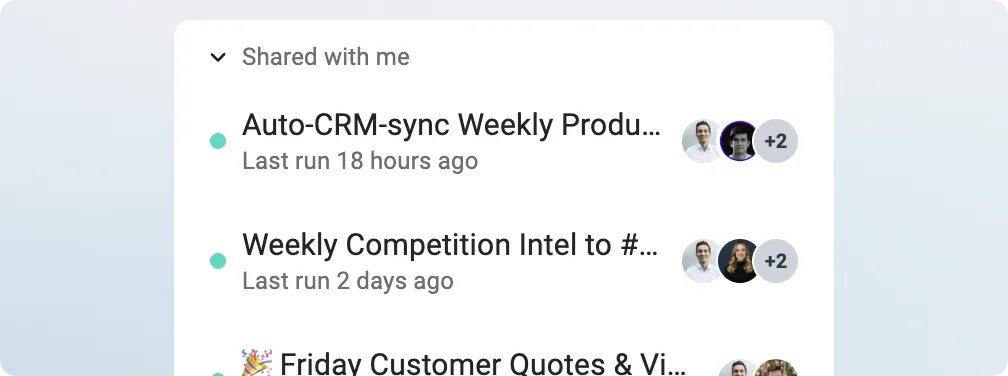
Any agent can now be shared with your whole team at no extra cost. Add a collaborator and they can edit how the agent works, run it on demand, and see everything it produces.
Teams already use this for: a Monday pipeline report in your inbox, flagging deals going quiet, posting reports to Slack, turning calls into task lists, and tracking product feedback from calls.
Your whole workflow in the mobile app
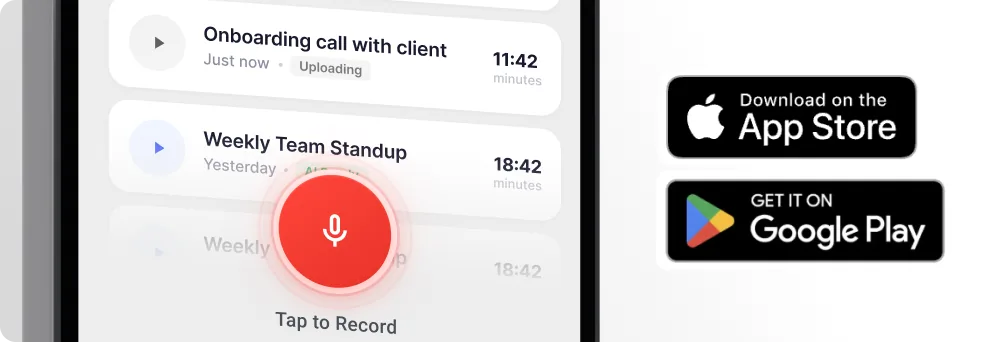
The mobile app puts the AI Analyst in your pocket: ask what happened on last week's calls, pull next steps for an account, or check a deal's health before you walk in. Start a voice note or on-site recording right from your phone, and Demodesk writes it up, tags it and files it against the right account. Google Play · App Store
Demodesk posts to Microsoft Teams
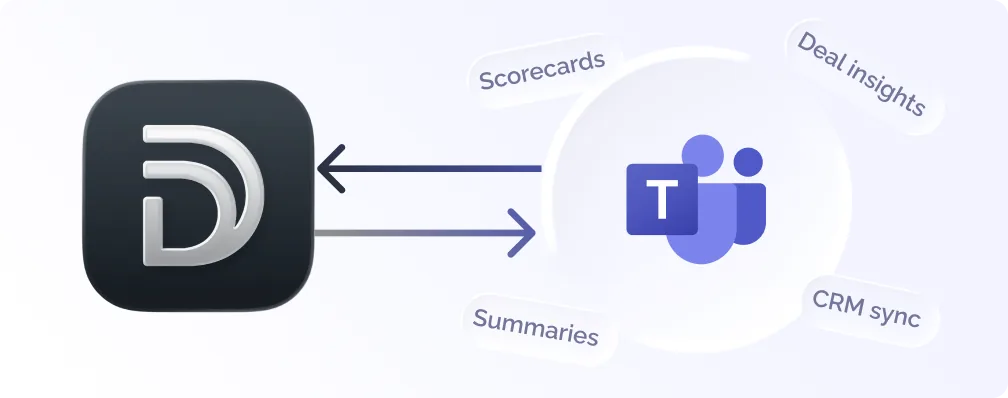
Deal summaries, agent reports and chat answers can now land in a Teams channel. After a one-time admin setup, pick Teams as a destination in your automation rules, or tell the AI Analyst, AI Chat or an agent to post there.
Set up automations just by asking
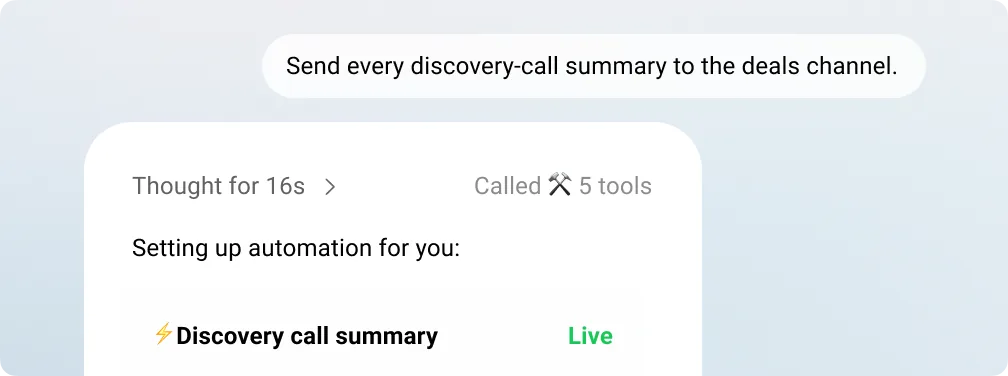
Ask the AI Chat in plain language and it builds the automation rule for you: "Send every discovery-call summary to the deals channel." It reads back what it's about to do, you confirm, and it goes live. Works for summary, deal-insight, scorecard and Slack notification rules.
Ask your Demodesk data anything
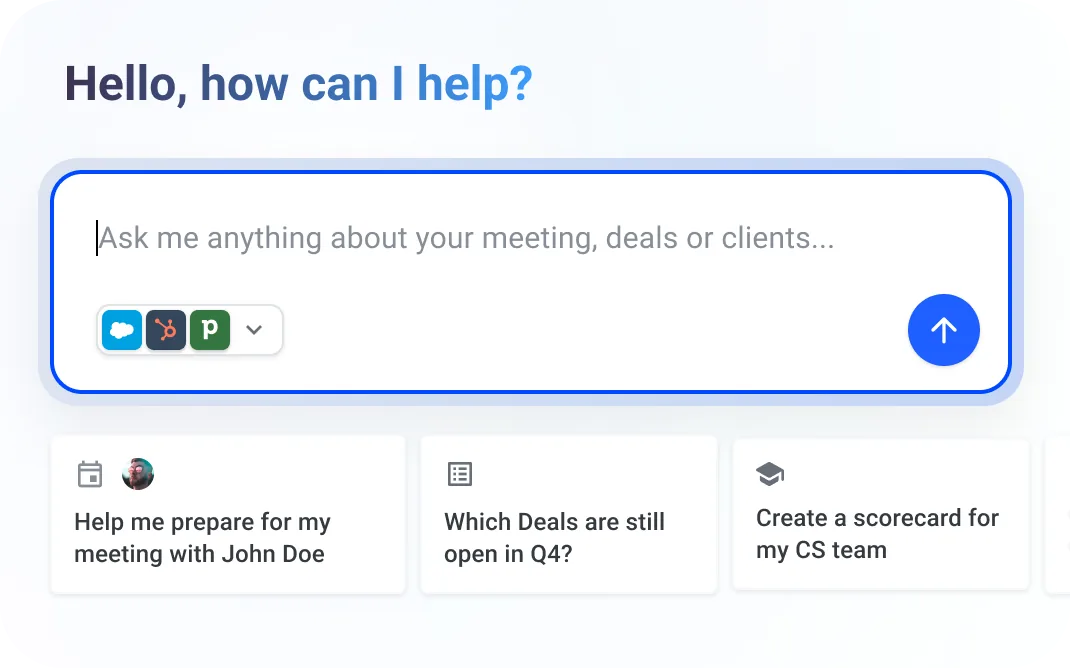
Ask the AI Analyst or the Demodesk MCP first when you have a question or issue – it can often find the cause and propose or make the changes. Tips: give it a time window, define your metric, name a segment, and follow up instead of restarting.
Example: "Compare average AI Coach score this quarter to last quarter, by team." Connect your AI tool
Further enhancements
- Smarter auto-CRM sync – Upgraded AI; accepting a sync now re-syncs only what changed.
- Attach screenshots and PDFs – Drop an image or PDF into any AI Chat prompt as context.
- @-mention a teammate – Type @ in a recording comment to subscribe a teammate and email them.
- Find any chat fast – Press Cmd+K (Ctrl+K on Windows) to search your AI chat history.
- Stop and edit as you go – Stop a running AI answer or edit a sent prompt without starting over.