All your recording filters in one place
The Recordings page has a new Filters button that gathers the Show and Hide filters, with every active filter shown as a pill above the list. Calls shorter than two minutes are hidden to start.
All filters behind one button
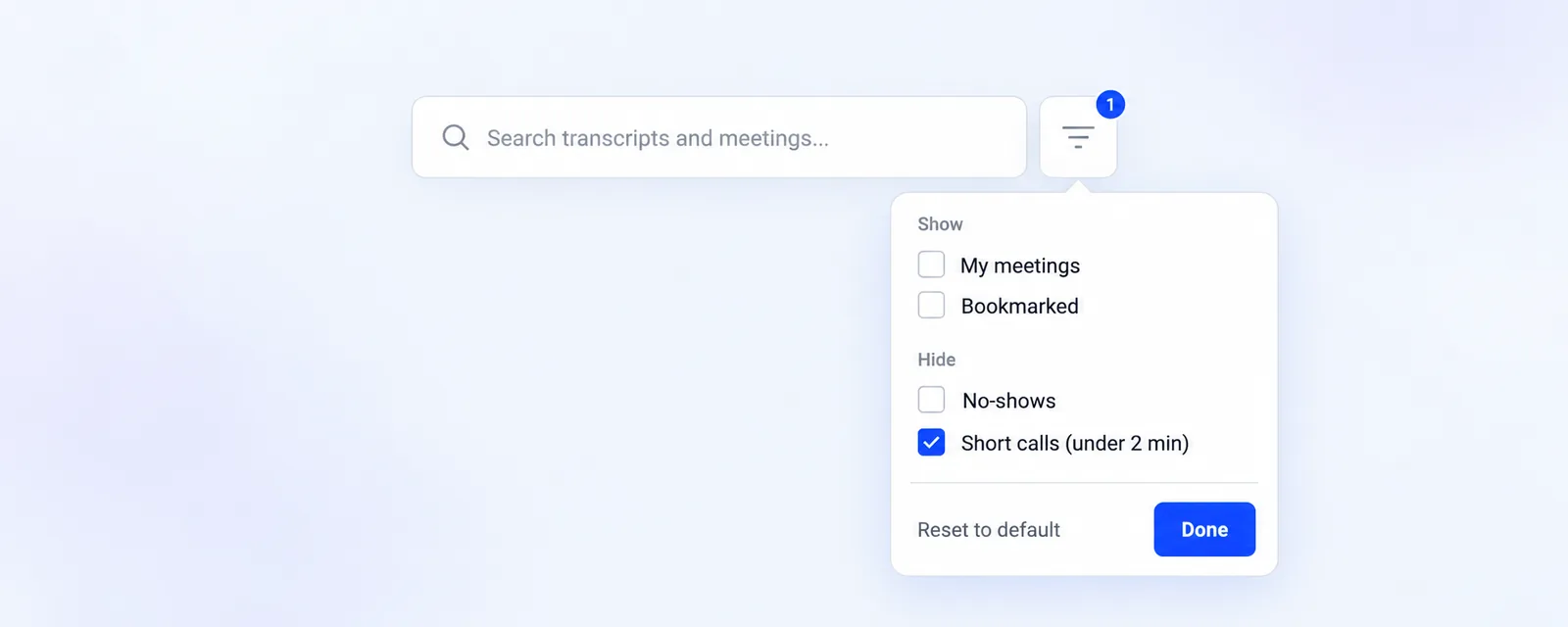
On Recordings, a Filters button now sits next to the search field. It opens a short list with a Show group holding My meetings and Bookmarked, and a Hide group with No-shows and Short calls (under 2 min). The button carries a small badge with the number of filters you have switched on there. Reset to default puts those four back to the way the list starts, and Done closes it.
Every active filter, in plain sight
The filters you have on appear as pills above the list, both the ones from Filters and the ones you set in the column headers for date, meeting name, meeting type, host, feedback and deal insight. Click a pill to drop that one filter, or Clear all to switch every filter off, short calls included.
Short calls are hidden to start
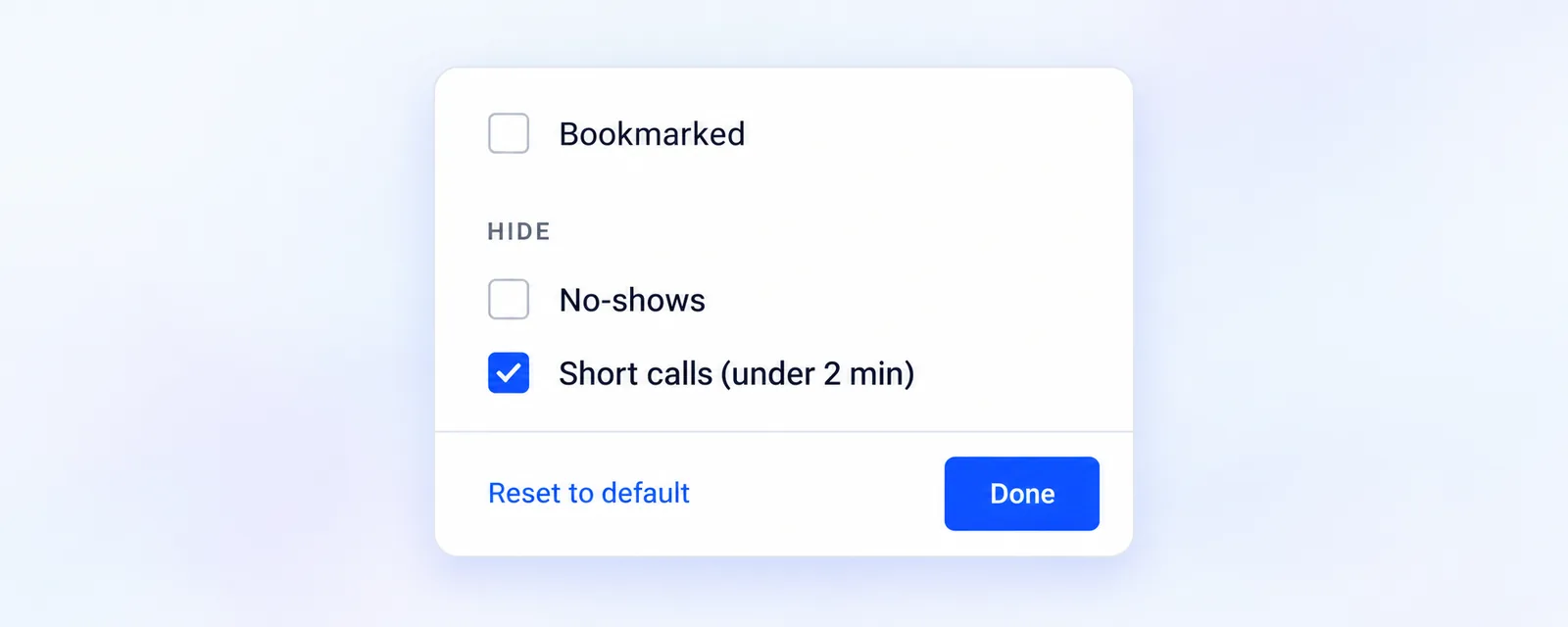
The list now opens with calls shorter than two minutes hidden, so quick dial-ins and dropped connections stay out of your way. Recordings whose length is not known yet still show up. Turn Short calls (under 2 min) off in Filters whenever you want them back, and your choice is remembered in that browser for next time. Nothing is deleted and no recording changes, this only changes which ones the list shows you. More on recordings in our help center.