Ask the AI about scorecard questions and comments
Demodesk AI can now answer down to the single scorecard question, and it can read the comments your team leaves on recordings. Meeting categories and your scorecard templates are part of the picture too.
Coaching numbers down to the single question
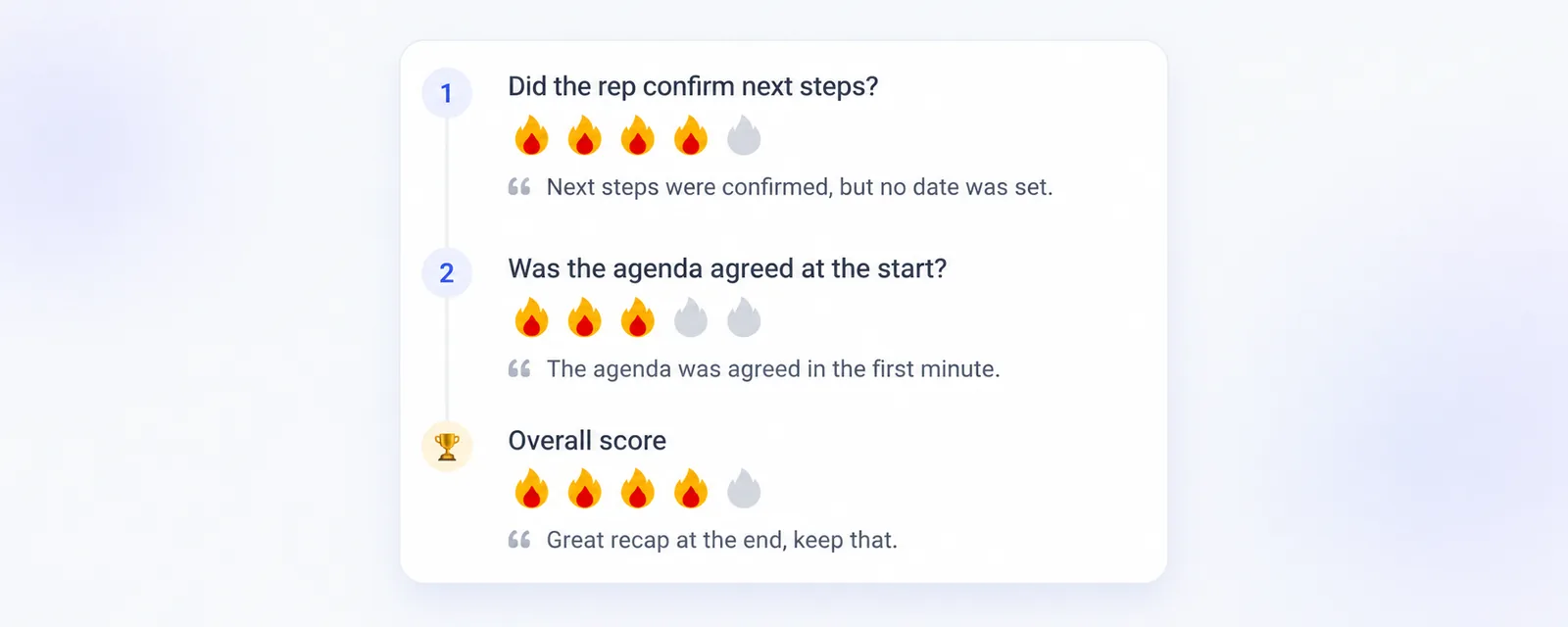
Ask the AI Analyst, the AI Assistant on a recording or one of your agents how your team scored, and it can now go question by question instead of stopping at the overall score. It reads the rating and the written feedback on each question of a scorecard, so you can ask which questions a rep or a team is weakest on, or how one question has moved over the last quarter. Each question also carries the template question it came from, so the same question can be followed across many scorecards. Answers only use scorecards you are allowed to see, and deleted scorecards stay out.
The comments on your recordings
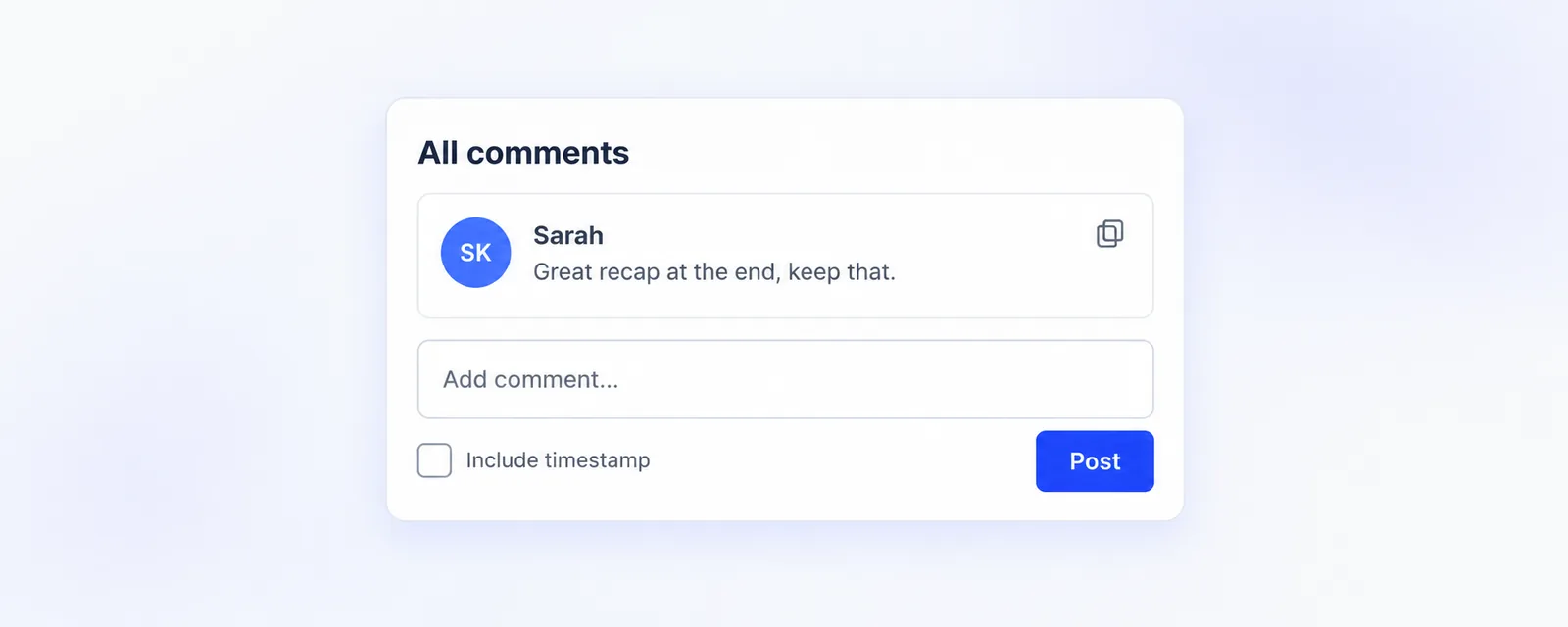
You can ask how many comments a recording collected, who wrote them, what they say and which moment of the call they point at. That makes questions like who is giving the most peer feedback this month, or which calls got a conversation going, answerable in a sentence. Only comments on recordings you can open are counted.
Cleaner breakdowns by category and template
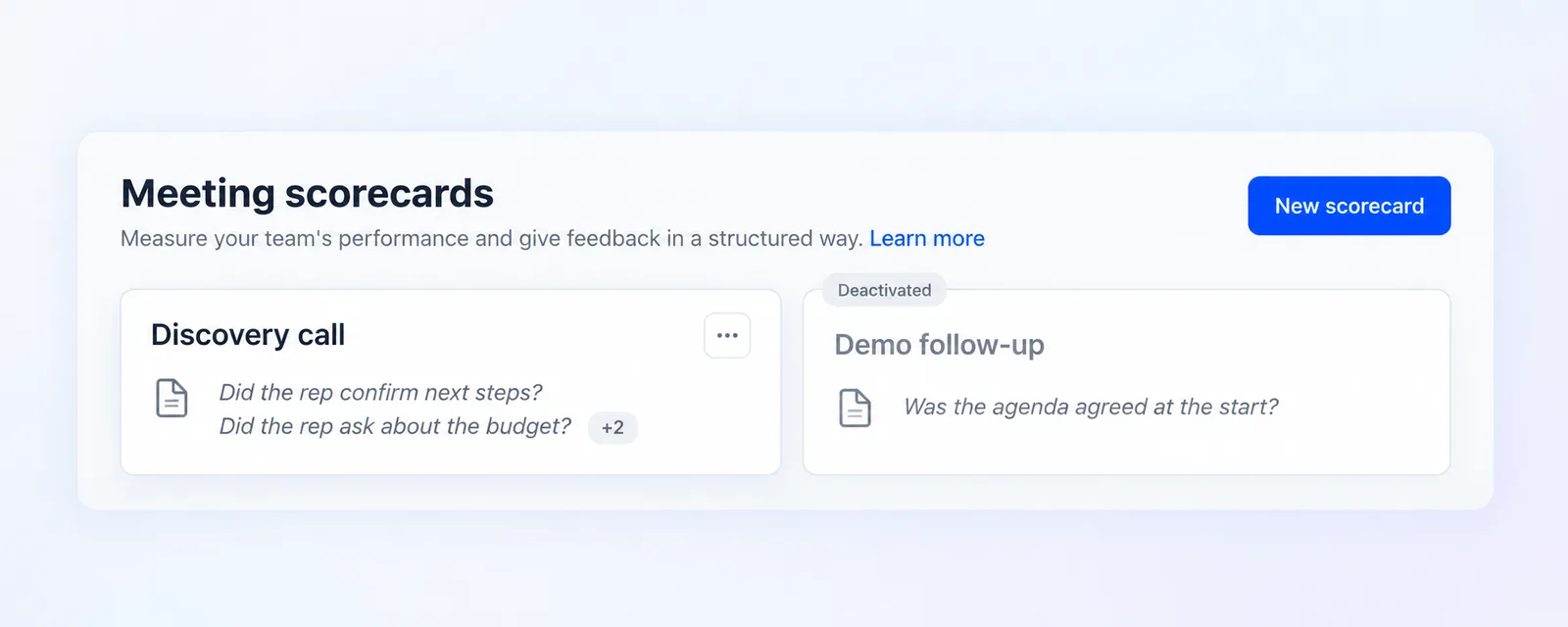
Meetings can now be broken down by meeting category by name, and meetings without a category are counted as the default one. Scorecards can be grouped by template, including whether a template is activated or deactivated, for the templates that belong to your own company. Every scorecard also keeps the template name it had when it was filled in, so renaming a template later does not change the name stored on older scorecards.
Everything you have already collected is included, so answers cover the scorecards and comments from before today. More on asking the AI in our help center.