Manage groups and members through the API
The Demodesk API v2 can now list, create, rename, reconfigure and delete your company groups, and add or remove teammates from restricted groups.
Groups in the API
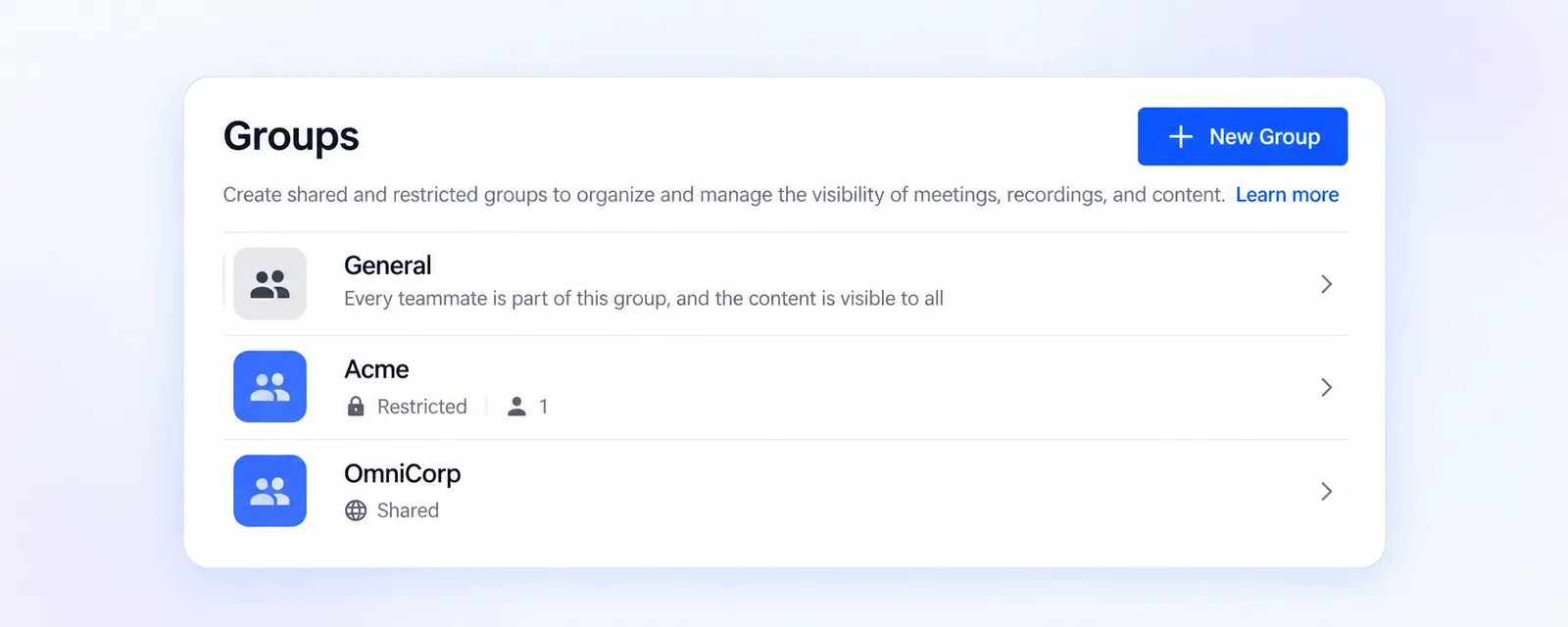
Your groups are now part of the Demodesk API v2. You can list them, read a single group, create one, rename it, change its visibility and recording access, and delete it. Lists come back sorted by name, in pages of up to 100, and you can search by name. Every group tells you its visibility, whether it is the default General group, its Recording access setting and the groups whose recordings its members can see.
Add and remove teammates
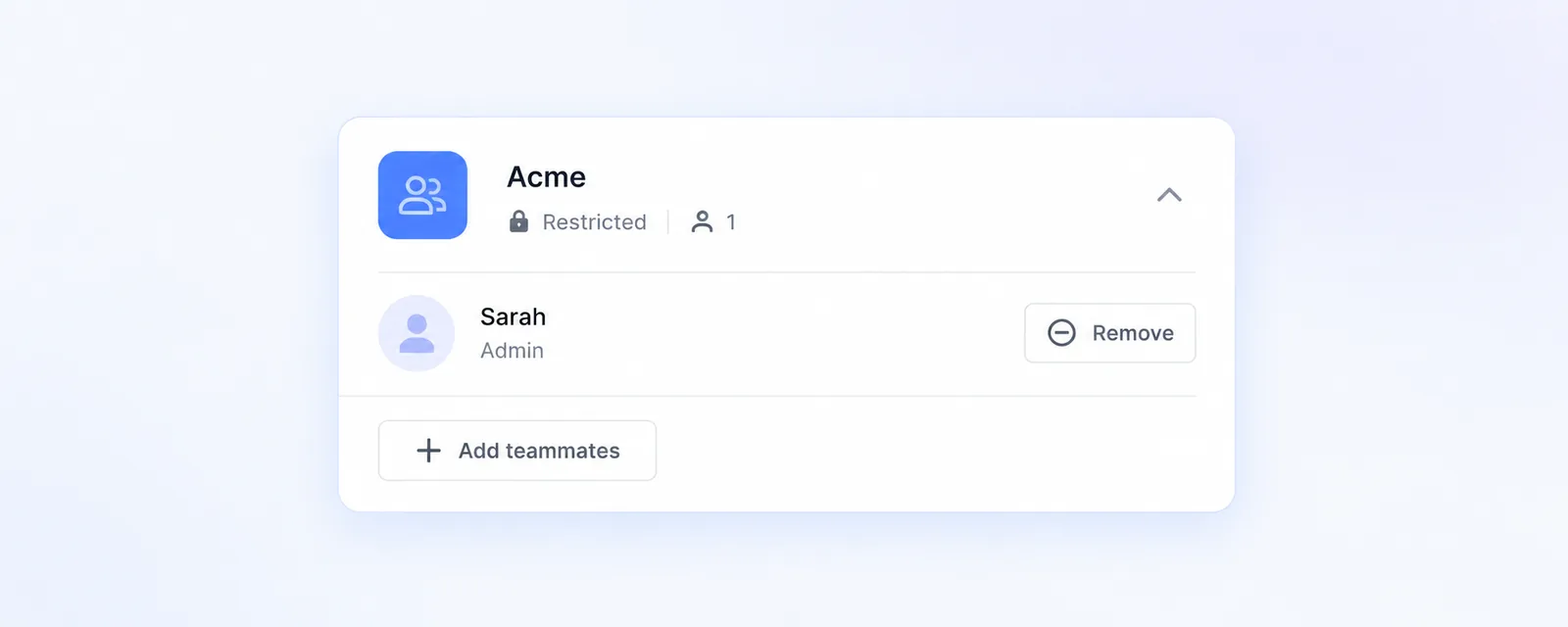
Restricted groups can gain and lose members through the API. Adding someone who is already a member or removing someone who is not changes nothing and still succeeds, so you can run the same sync as often as you like. Shared groups already contain every teammate of your company, so membership requests for them come back with an error. Removing a teammate from a group also takes them off the meeting types that belong to it, the same as in Settings > Company > Groups.
Who can do what
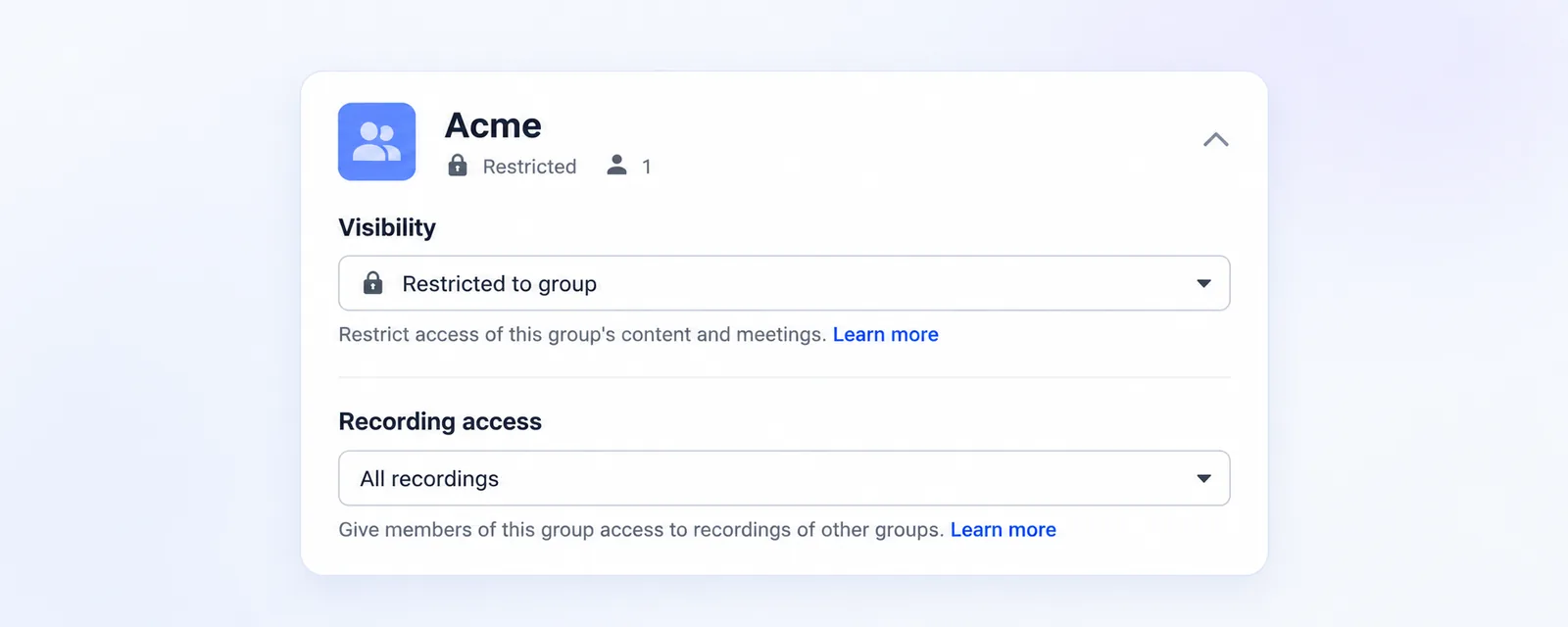
Requests use a person's API key and follow what that person can do in Demodesk, so the API only shows the groups they can already see. Company admins see every group of the company and can manage all of them, and creating a new group is for admins. A manager can work with the groups they belong to, including renaming, membership and deletion. Only a company admin can change Visibility or Recording access.
Good to know
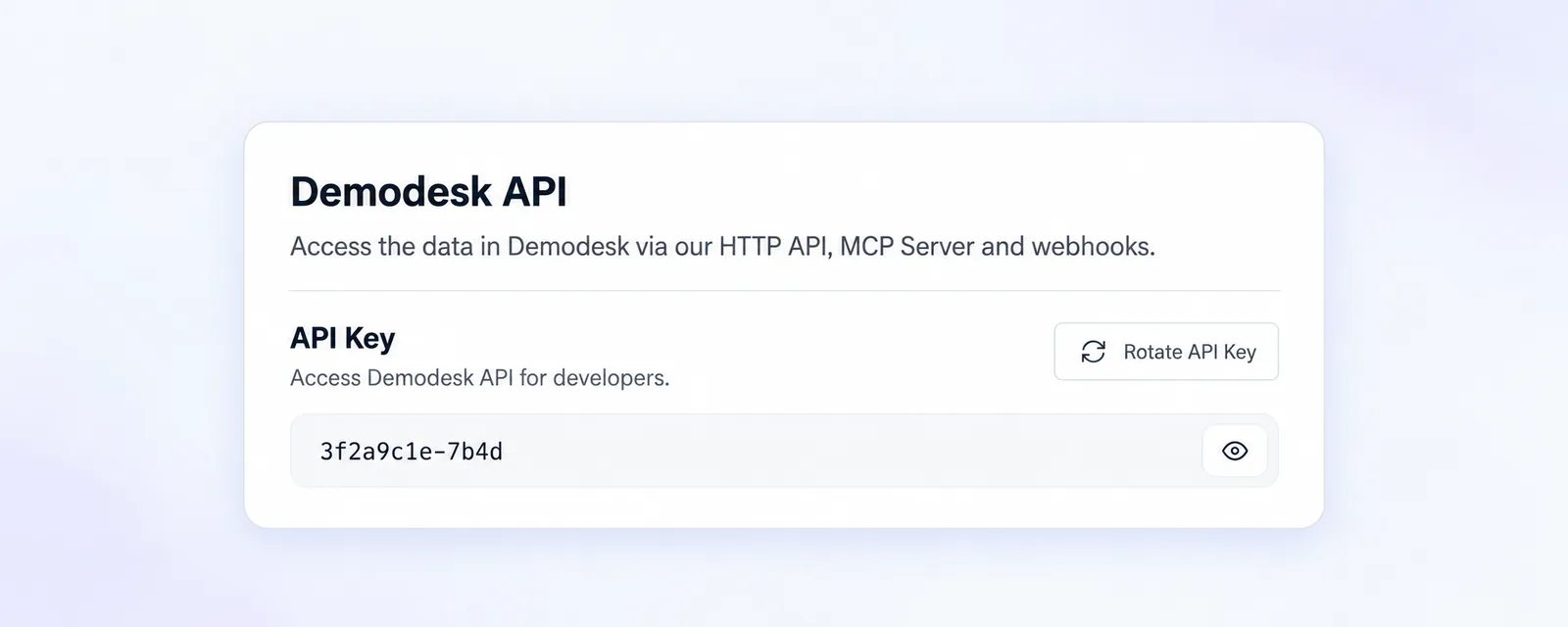
The default General group cannot be changed or deleted through the API, and group names have to be unique within your company. Deleting a group moves its meeting types and playbooks to General. You find your API key under Settings > Integrations > Connections in the Demodesk API section, and the new endpoints are listed in the API reference.