Manage your settings through the API and AI
Your personal settings and your company's custom vocabulary are now part of the Demodesk API v2, and you can ask the AI to read or change them for you.
Your personal settings, through the API
The Demodesk API v2 can now read and change your personal settings. That covers your Personal vocabulary under Settings > Personal > Preferences, the Recording preferences on the same page, which decide whether your internal, external and private meetings are recorded, whether meetings with no participants, meetings someone else organises and cancelled meetings are recorded, which keywords exclude a meeting and whether Demodesk records audio only. It also covers every switch in the Email notifications section under Settings > Personal > Notifications, including whether the AI may email you, and the Language and Time Zone from Settings > Personal > Profile. Reading gives you all of these settings at once, and an update changes only the fields you send and leaves everything else as it was.
Just ask the AI
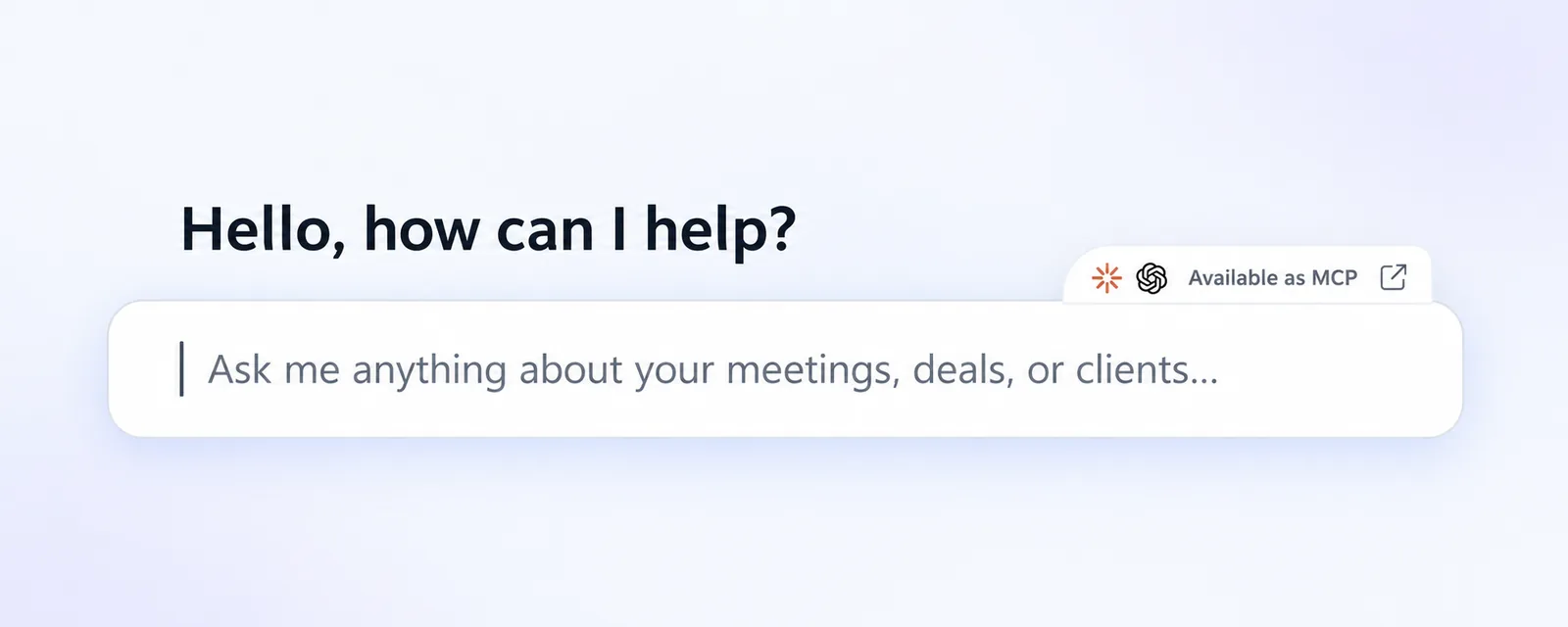
You can ask the AI in Demodesk, one of your agents or a connected AI tool to read or change the same settings, and it works within your own permissions. Tell it how a product or account name is spelled and it can add the word to your vocabulary, or ask it to stop the daily digest and switch your language.
The company vocabulary stays with admins
Company admins can also read and change the Custom vocabulary from Settings > Company > Recordings and AI, in the AI customisation section. That list applies to everyone in your company, and anyone who is not a company admin gets an error instead.
Good to know
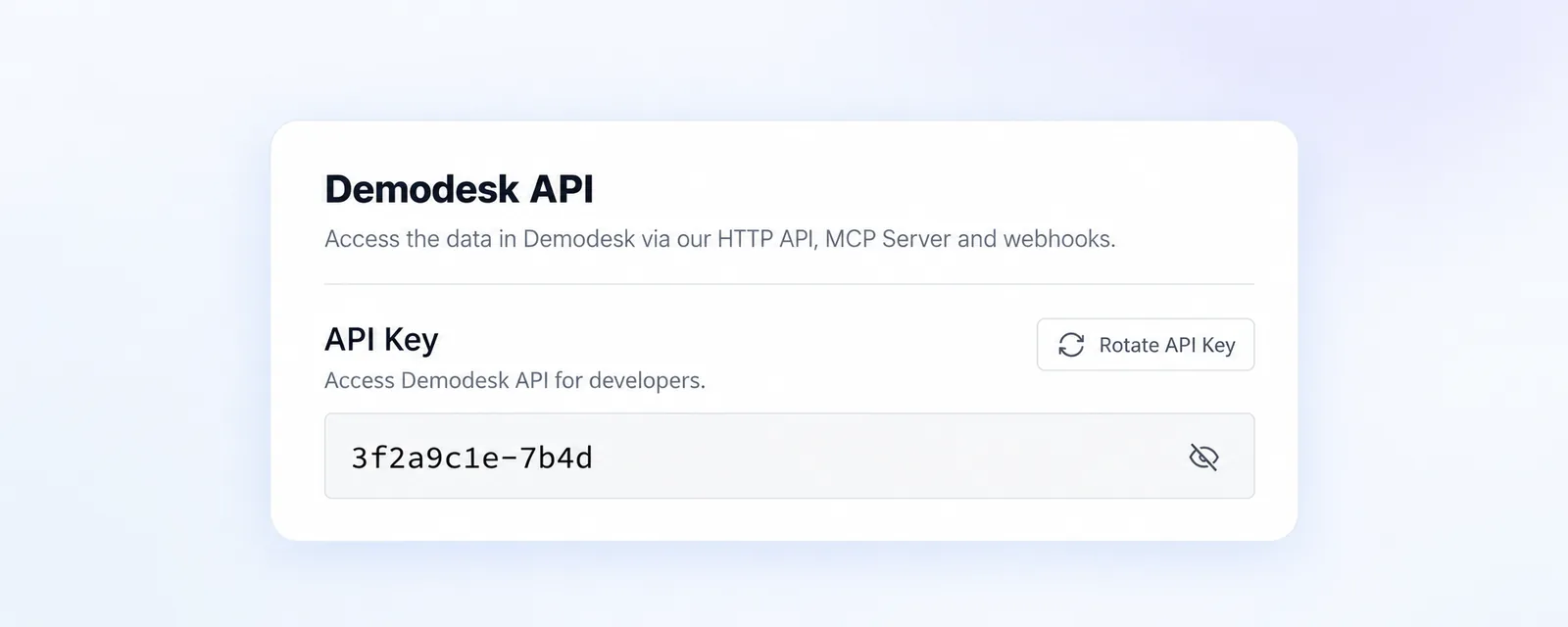
Vocabulary and excluded keyword lists are always sent as a whole, so include the words you already have along with the new one. Keywords cannot contain commas, semicolons or line breaks, spaces around a word are trimmed and the same word twice counts once. A field name the API does not know, or a value of the wrong kind, is refused and nothing is saved. Changing which meetings are recorded also clears the recording choices you made for single upcoming meetings, so your new rules decide for them again. You find your API key under Settings > Integrations > Connections in the Demodesk API section, the new endpoints are listed in the API reference, and more on connecting an AI tool is in our help center.