Manage groups from your AI tool
A connected AI tool can now create, rename and delete groups, change their visibility and recording access, and add or remove the teammates in them.
Groups, from the same chat
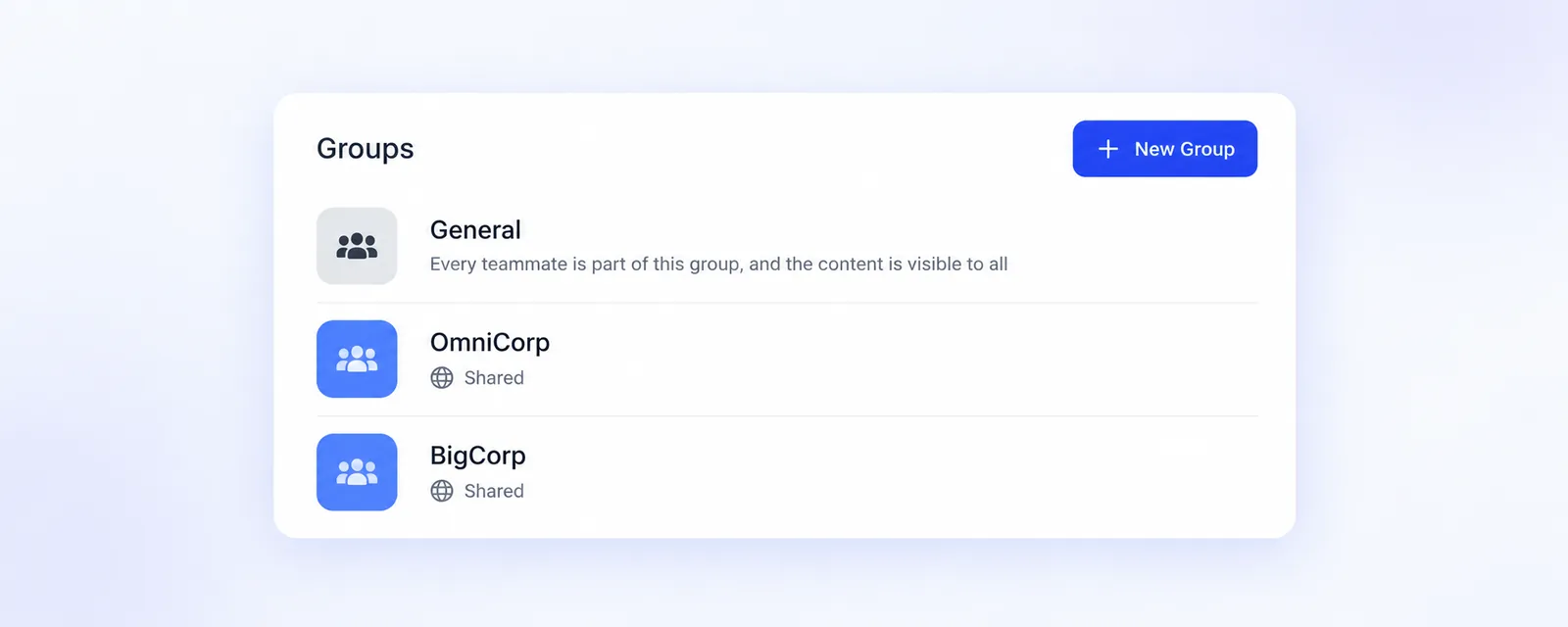
Groups are now part of what you can hand to a connected AI tool. Ask it to create a group for a new team, rename one, change its Visibility or Recording access, add or remove teammates, or delete a group you no longer need. These are the same groups you find under Settings > Company > Groups, so onboarding a new hire into the right groups or cleaning up after a team change takes one sentence.
Your permissions still decide
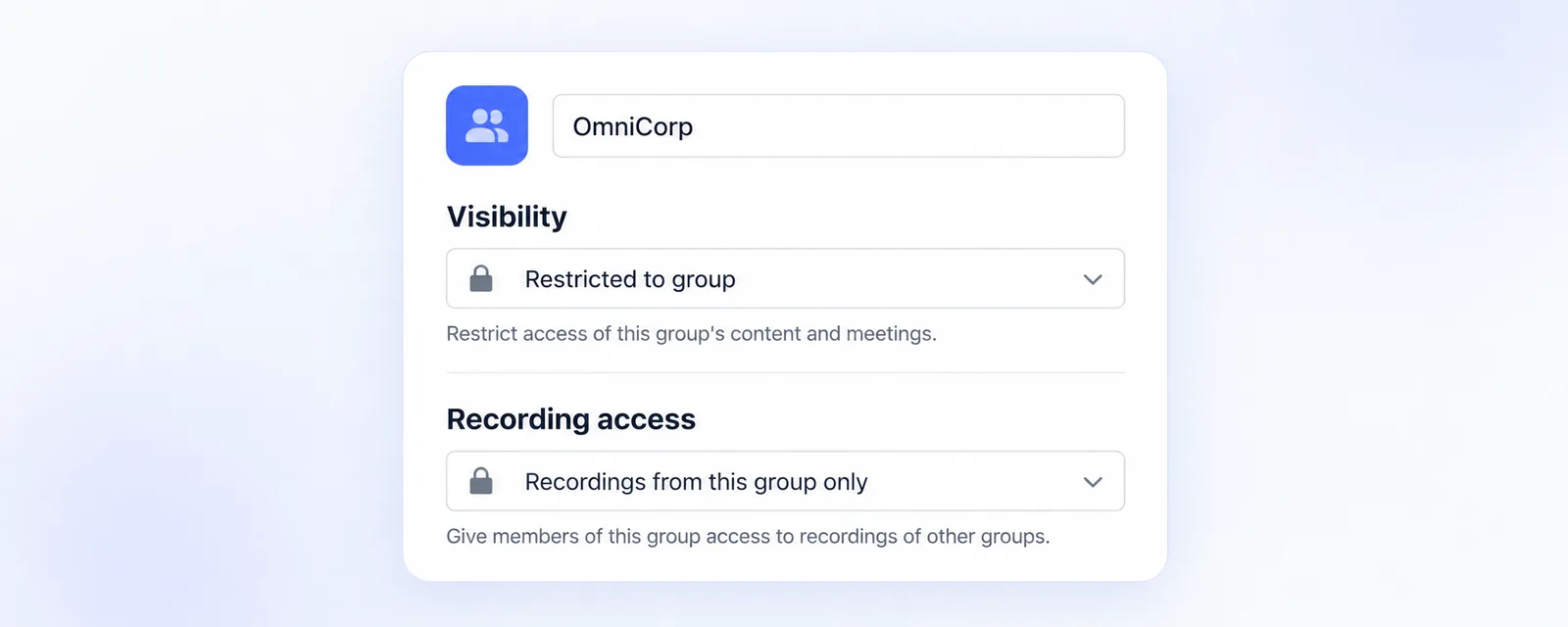
An Admin can manage every group of the company. A Manager can rename, delete and change the members of a group they are a member of, while Visibility and Recording access stay with an Admin.
Good to know
Teammates are added and removed one by one only in groups whose visibility is Restricted. A Shared group always contains everyone in the company, and switching a group to Shared adds everyone to it. The General group cannot be changed or deleted, and deleting a group cannot be undone. More on connecting an AI tool is in our help center.