Filter automations by meeting source
Automation rules can now match meetings by where the recording came from, so a rule can apply to your Aircall calls, your Zoom meetings or your mobile app recordings only.
A new condition in your rules
When you build an automation rule, you can now choose the condition Meeting source and pick where the recording came from. Select one or more sources, and the rule applies only to meetings that came from them. The choices cover video meetings (Demodesk meeting, Microsoft Teams, Google Meet, Zoom, Webex, Other meeting), phone calls (Aircall, Teams Phone, HubSpot calling, RingCentral, CloudCall, Other dialer) and uploads and imports (Mobile app, Desktop app, File upload, API import).
Everywhere you build rules
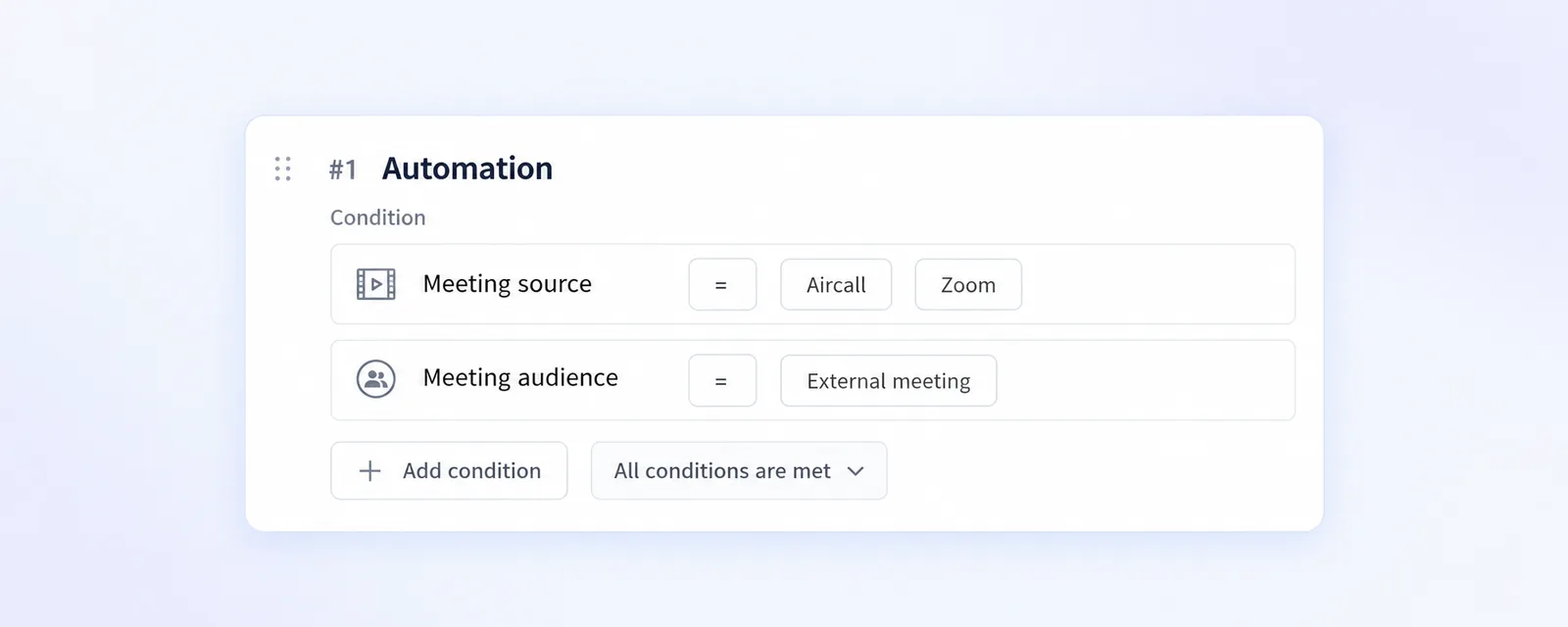
Meeting source sits next to your other conditions in every automation rule, so you can use it for CRM sync as well as for summaries, follow-up emails, scorecards and deal insights. A short cold call from your dialer and a full demo can now get different treatment without any extra setup.
Good to know
No option covers a whole group at once, so to match all video meetings or all phone calls, select every source in that group. More on setting up rules is in our help center.