Let the AI rewrite your playbook pages
Ask the AI to reword a page in one of your playbooks or to park a page you no longer need. It works in AI chat, with your agents and from a connected AI tool, always within your own permissions.
Ask for a rewrite and get one
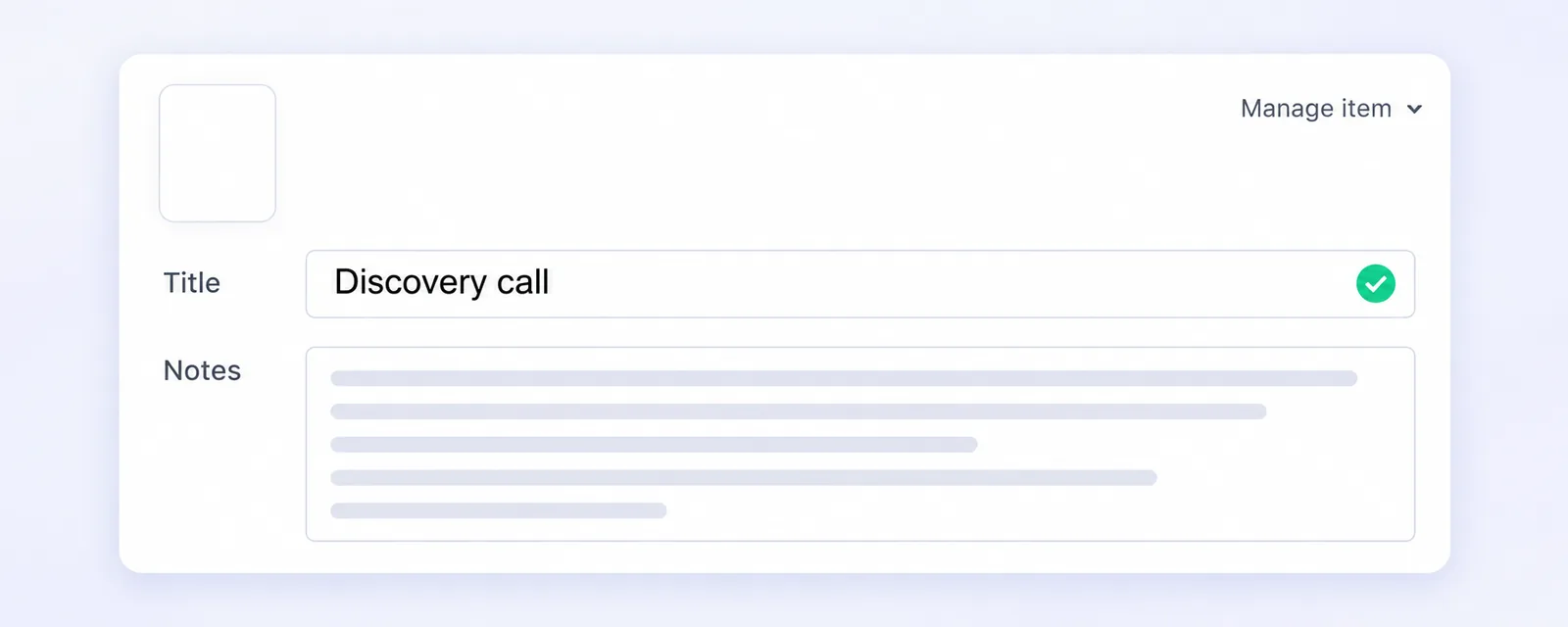
Ask the AI Assistant, the AI Analyst or one of your agents to reword a page in a playbook, and it rewrites the title and the Notes of that page for you. A connected AI tool can do the same through our open platform. It only touches the pages of the playbook you point it at, and only the fields you asked for, so leaving the title out means the title stays as it was. If any page in the request does not belong to that playbook, is listed twice or has nothing to change, nothing at all is changed, which keeps a half applied rewrite from happening. The AI also gets back the title and notes each page had before the edit, so you can ask it in the same conversation to put the old wording back.
Park a page instead of losing it
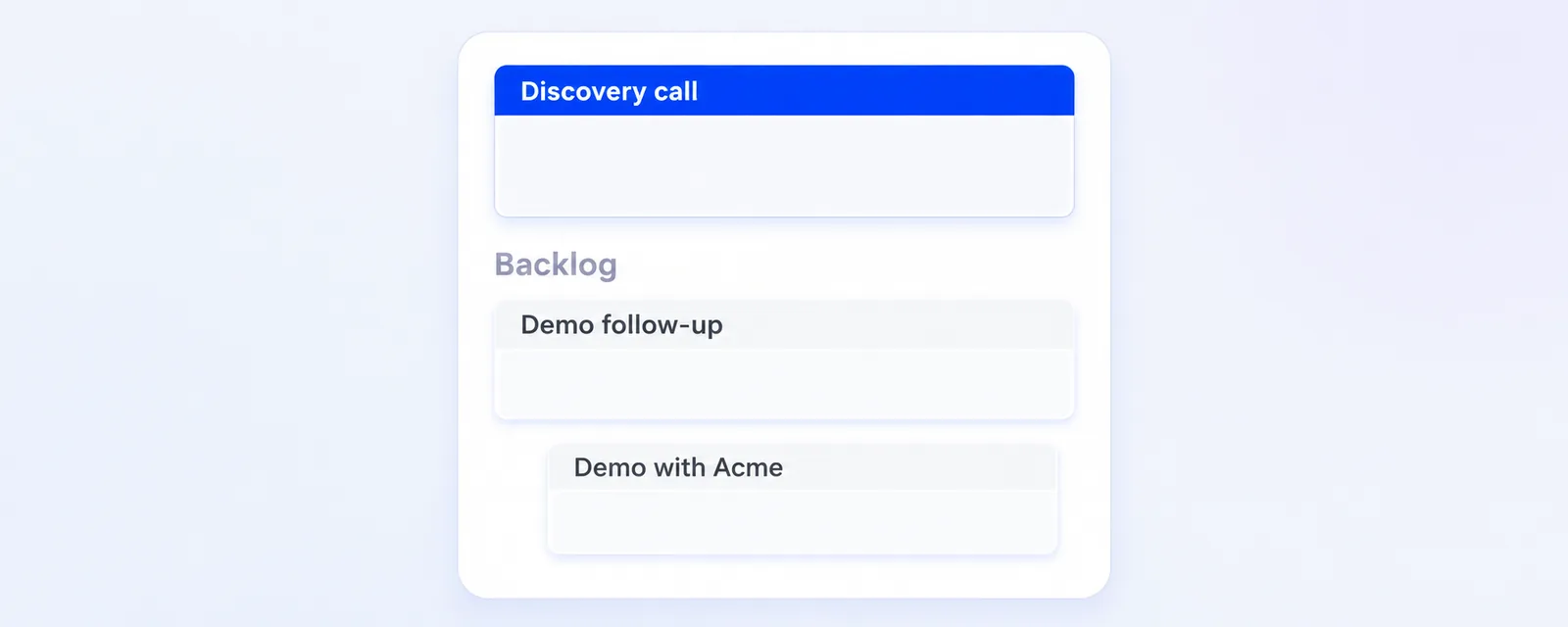
The AI cannot delete pages. When you ask it to remove one, it moves the page to the Backlog of the playbook and tells you that you can delete it there in the playbook editor. Subpages travel with the page they sit under, in both directions. Bringing a parked page back puts it at the end of the playbook, so you may want to drag it into place afterwards.
The AI works with your own permissions, so it can only change the playbooks you could change yourself. Your existing playbooks are included, so you can point the AI at a playbook you built long ago and have its talk track brought up to date. More on playbooks in our help center.