Let the AI set up your routing questions
Ask the AI to add, reword, reorder and remove the qualifying questions of a routing form, and to add, rename, hide or delete their answer options. It works in AI chat, with your agents and from a connected AI tool.
Questions, not only rules
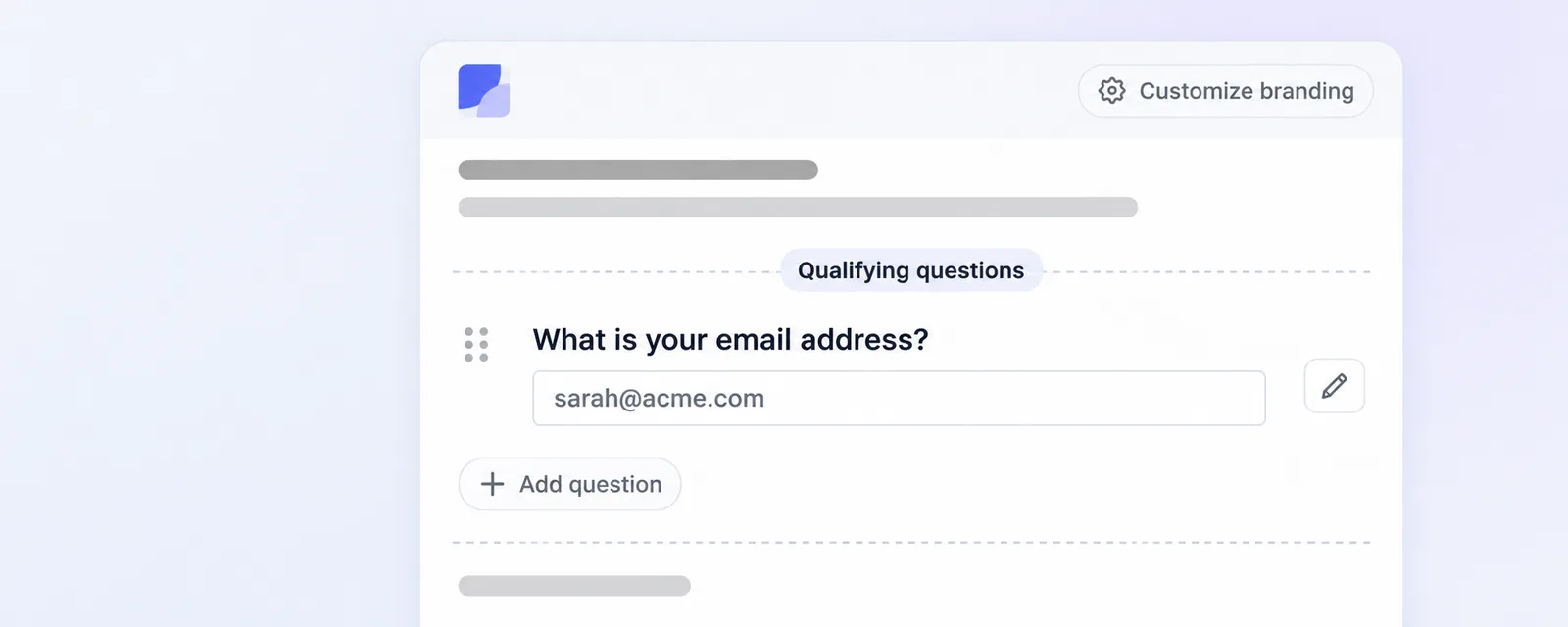
Ask the AI chat, one of your agents or a connected AI tool to edit a routing form and it can now work on its Qualifying questions, not only on the rules. It can put a question your company already has on the form, create a new one, change the text a form uses for it, move it to the position you name and take it off the form again. A routing question can be single choice or multiple choice, so those are the formats it creates and adds. A new question needs a name, a format and at least one answer option, and if your company already has a question with that name the AI points you at the existing one instead of creating a second.
Answer options too
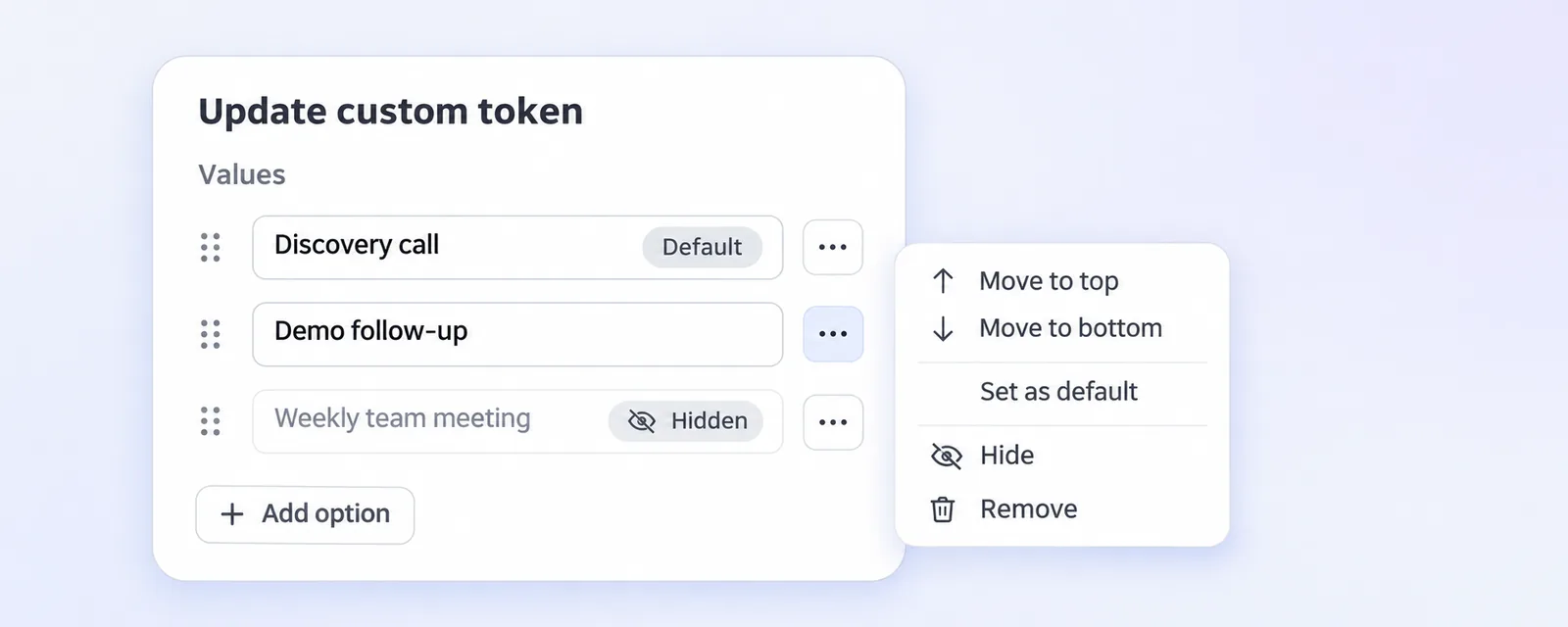
The AI can add, rename, hide, show and delete the answer options of a question. Options belong to the question itself, which every form using that question shares, so renaming, hiding or removing one reaches all of them. Two answers stay put: the default answer of a question cannot be hidden, and an option that a rule in any of your routing forms still uses cannot be deleted, with the answer naming the forms to change first. When a question takes its options from a CRM field, they stay in the CRM and the AI can only hide or show them here.
Your permissions still decide
Creating a question and changing its answer options are reserved for company admins, because both live on the question your whole company shares. Everything else follows your own permissions on the form: adding a question that already exists, rewording it, reordering it and taking it off work for any routing form you could edit yourself.
Safe on the forms that are live
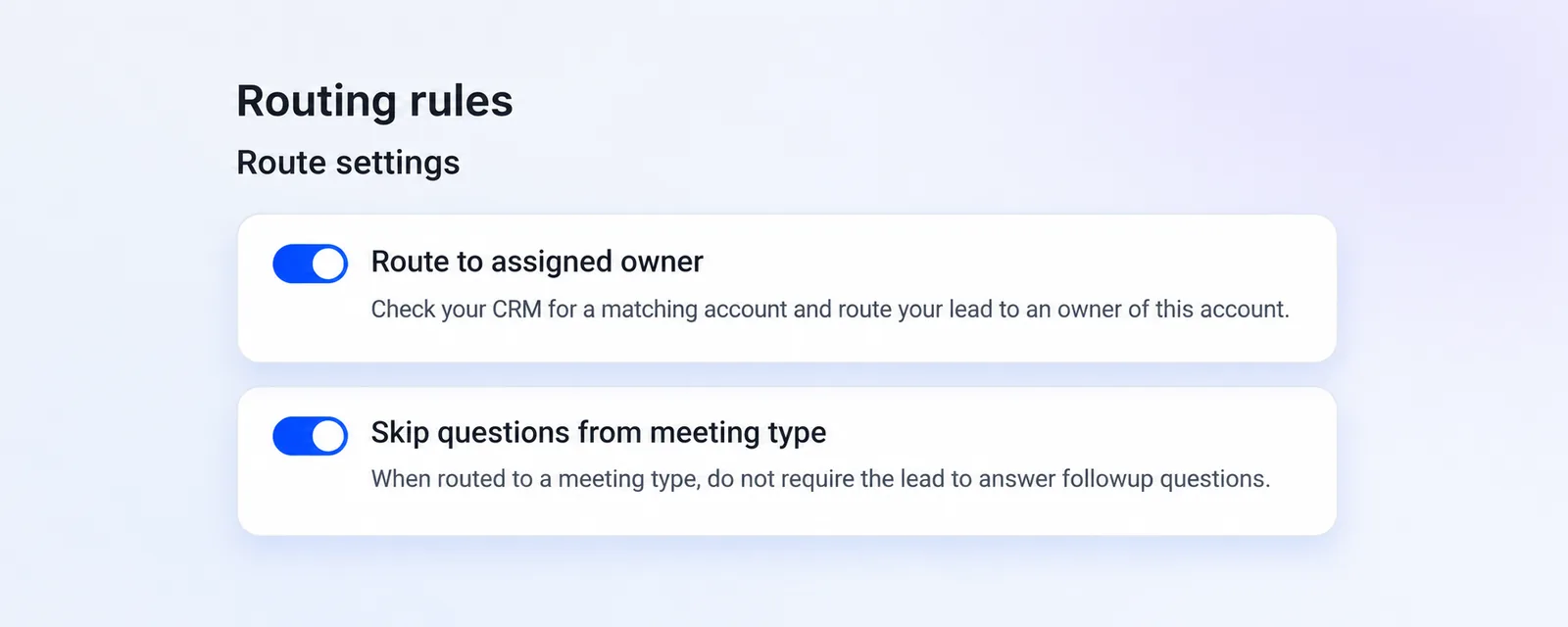
Removing a question takes it off that form only and leaves the question itself in your company for other forms. A question that a rule of the same form asks about cannot be removed unless the same request removes those rules, and the email question stays as long as the form routes to the assigned owner or skips the questions of the meeting type. Updates stay all or nothing, so if any part of the request is invalid the form stays exactly as it was. A rule can only point at questions and options that already existed when you asked, so the AI adds them first and writes the rules that use them in a second step. When it reads a form back it now also tells you the position of each question and which of its options are hidden. You find your forms under Routing forms in the main navigation, and there is more on building them in our help center.