

Just your participants
Nothing joins the call and nothing shows up in the participant list. You record from your own computer, so the meeting looks exactly the way it always does.
Record from any app including dialers or online meetings. One click captures the call. Demodesk handles the notes, CRM updates and coaching.


Made for Mac & Windows
How it works
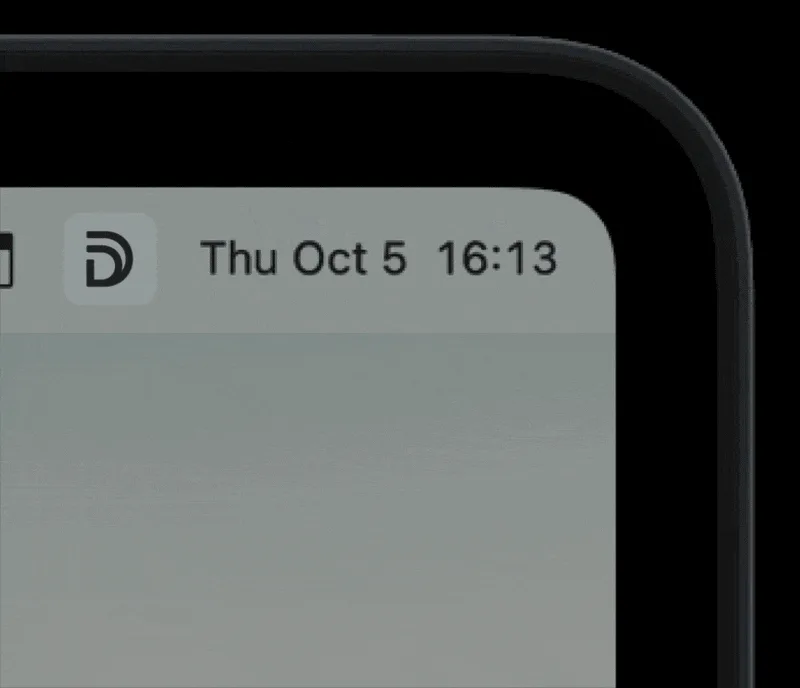
Download the app, open it, and sign in with your Demodesk account. The app settles into your menu bar or system tray.
Join the call in whichever app you use. Click the Demodesk icon and hit Start Recording. Mic and system audio, both captured.
End the recording when the call ends. It syncs to your Demodesk workspace, where the transcript, summary, CRM update and coaching happen on their own.
Why record from your desk
Nothing joins the call and nothing shows up in the participant list. You record from your own computer, so the meeting looks exactly the way it always does.
Captures your microphone and your system audio, so Zoom, Teams, Google Meet, Slack huddles, browser-based dialers and whatever else is running on your screen all record the same way.
A lightweight menu bar app on Mac and a system tray app on Windows. Always ready, never in the way. Click the icon, start recording.
Recordings appear in your Demodesk workspace with full context. Transcripts and summaries follow automatically, no upload step.
What happens after you record
The recording is only the start. Four AI agents pick it up the moment it lands in your workspace.

Transcribes the call in 98 languages, writes the summary and drafts the follow-up email in your voice. Ask it anything about the conversation.

Scores every call against MEDDIC, BANT, Challenger, SPIN or your own scorecard, seconds after it ends. Managers coach 50 reps instead of 10.

Finds the right deal in Salesforce, HubSpot or Pipedrive, suggests the field updates with the reasoning shown, and writes them once you approve. 99% accuracy, no manual entry.

Answers questions across every call, CRM update and email thread. Pipeline risk, objections, competitor mentions and product feedback, without a manual review.
macOSWindows

 Dialers

 Meeting apps
GDPR-native · EU-only data storage in Frankfurt · ISO 27001:2022 certified · Your data is never used to train AI models.
Download
Free download. Sign in with your Demodesk account, and the app is ready in your menu bar or system tray.
Questions? Visit the help center, email support@demodesk.com or report an issue on GitHub.
Free download · macOS and Windows
Every call on your screen, captured with one click and handed to Demodesk. Nothing joins the meeting. Free download, 14-day trial, no credit card.
Mac download is for Apple Silicon. Intel Mac? Get the Intel build.
Prefer a notetaker that joins the call? It announces itself, records and transcribes.
See the notetakeriOS and Android. Meetings, visits and voice notes, straight from your pocket.
Get the mobile appA device for the conversations that never touch a screen. Both sides, every word.
Meet the RecorderMobile, desktop, Chrome extension and the MCP server for ChatGPT and Claude.
All downloads