Coaching & AI: User Guide
Updated March 8, 2026
On this page
- Video Onboarding & Training
- 1. Getting Started with the Demodesk NoteTaker
- 2. Daily Use & Beginner Tips
- 3. Adding the NoteTaker to a meeting (Gmeets, Teams, Zoom)
- Settings & Integrations (Step-by-Step Guide)
- Application
- Access Recordings
- Give & Request Feedback
- Make Comments & Share Moments
- AI Assistant Chat & Summaries
- AI CRM Concierge
- Gain Deeper Insights (Beginner Best Practice Tips)
- Insights
- Key Takeaways
- FAQs
Onboarding Checklist
Download our detailed onboarding checklist to help you successfully set up Demodesk for yourself. The checklist covers key steps and best practices to ensure a smooth and efficient rollout.
In this guide you will receive step-by-step instructions on how to manage your personal settings and how to use the Demodesk AI features in your daily work routine. Reclaim your valuable time by automating monotonous tasks!
Reclaim your valuable time by automating monotonous tasks!
- Personalized AI Coach feedback
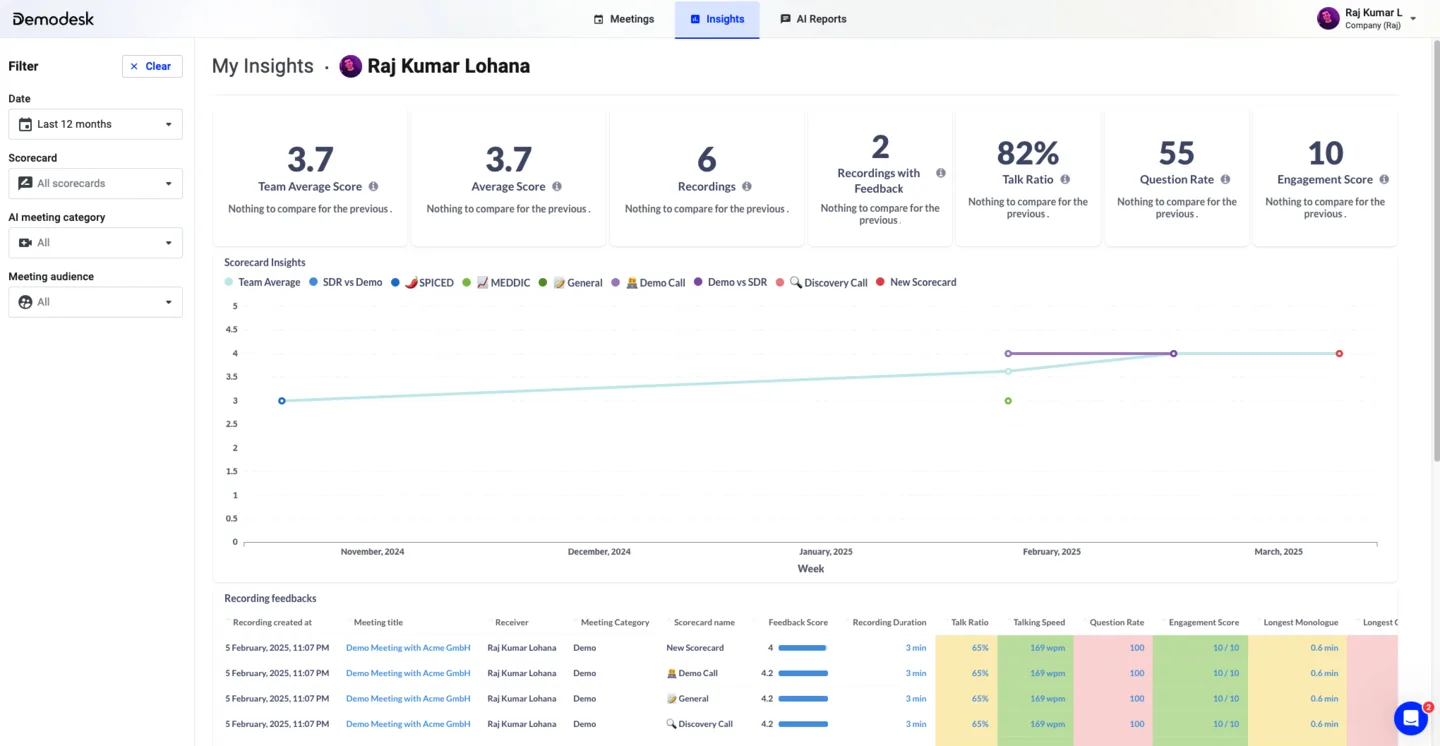
- Deep insights into your personal performance and improvement suggestions
- AI-generated meeting summaries and follow-up emails
- Deeper insights into your customer calls via AI assistant chat
- Automatic CRM sync and Deal Updates
ℹ️ If you have any questions, please get in touch with your tool admin or reach out to our support team (support@demodesk.com).
Video Onboarding & Training
1. Getting Started with the Demodesk NoteTaker
2. Daily Use & Beginner Tips
3. Adding the NoteTaker to a meeting (Gmeets, Teams, Zoom)
Settings & Integrations (Step-by-Step Guide)
- Complete your Profile Information: here
- Manage your Notification Settings: here
- Check your Recording Preferences: here
- Important: make sure they meet your company's requirements - contact your company admin for further information.
- Manage your Integrations / Connections: here
- Important: make sure that you have connected your CRM and your calendar.
Application
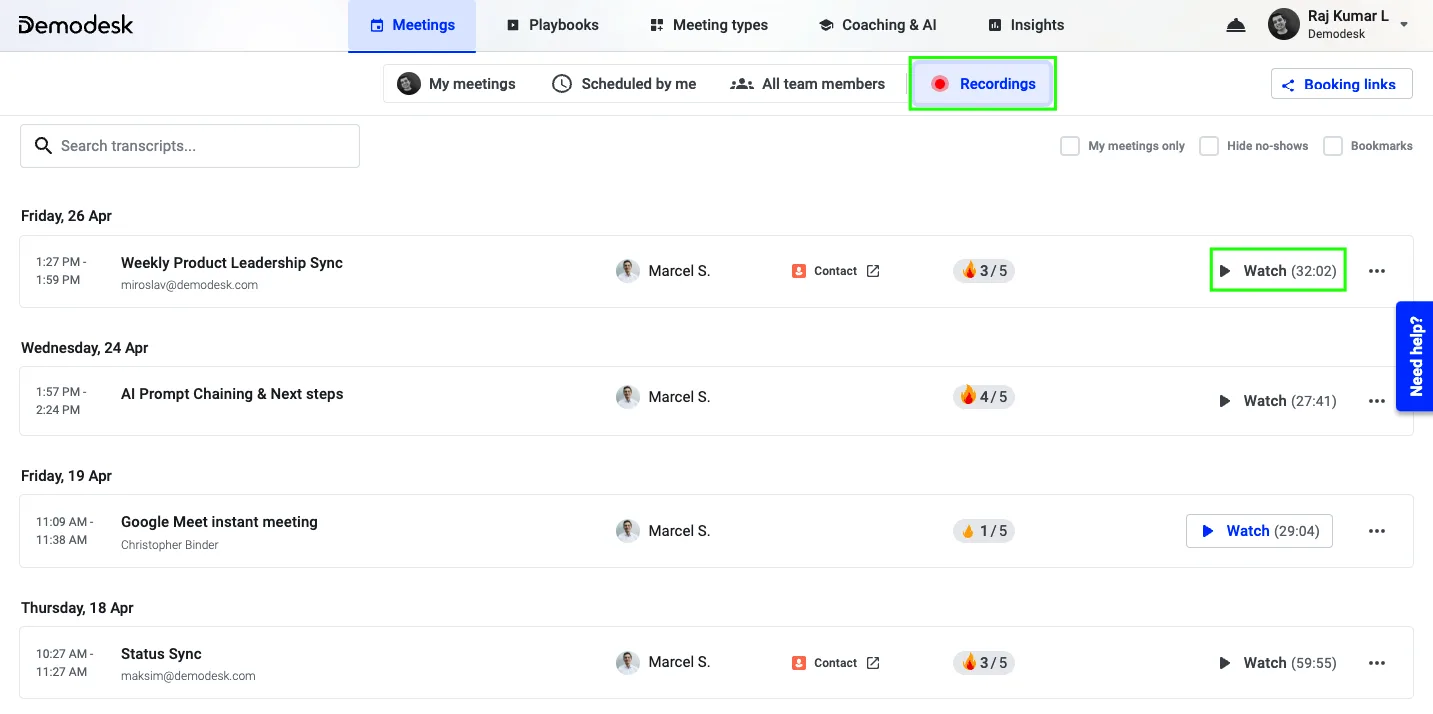
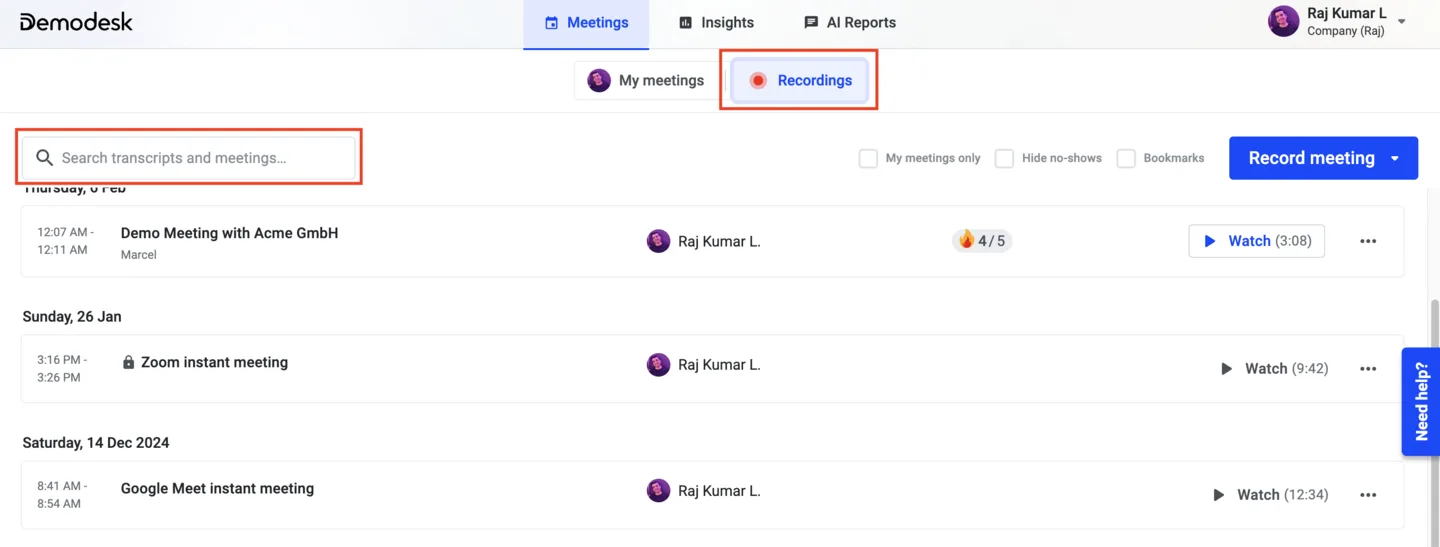
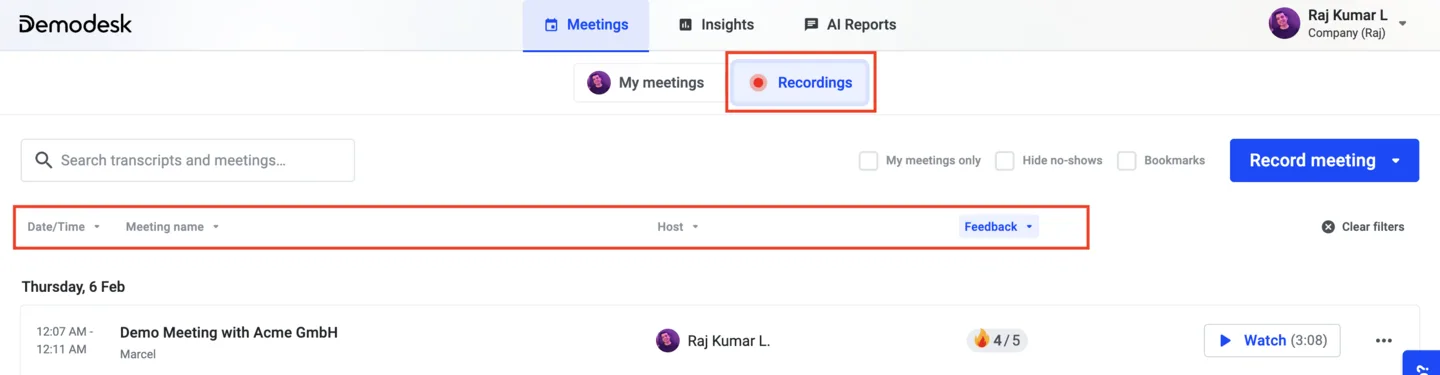
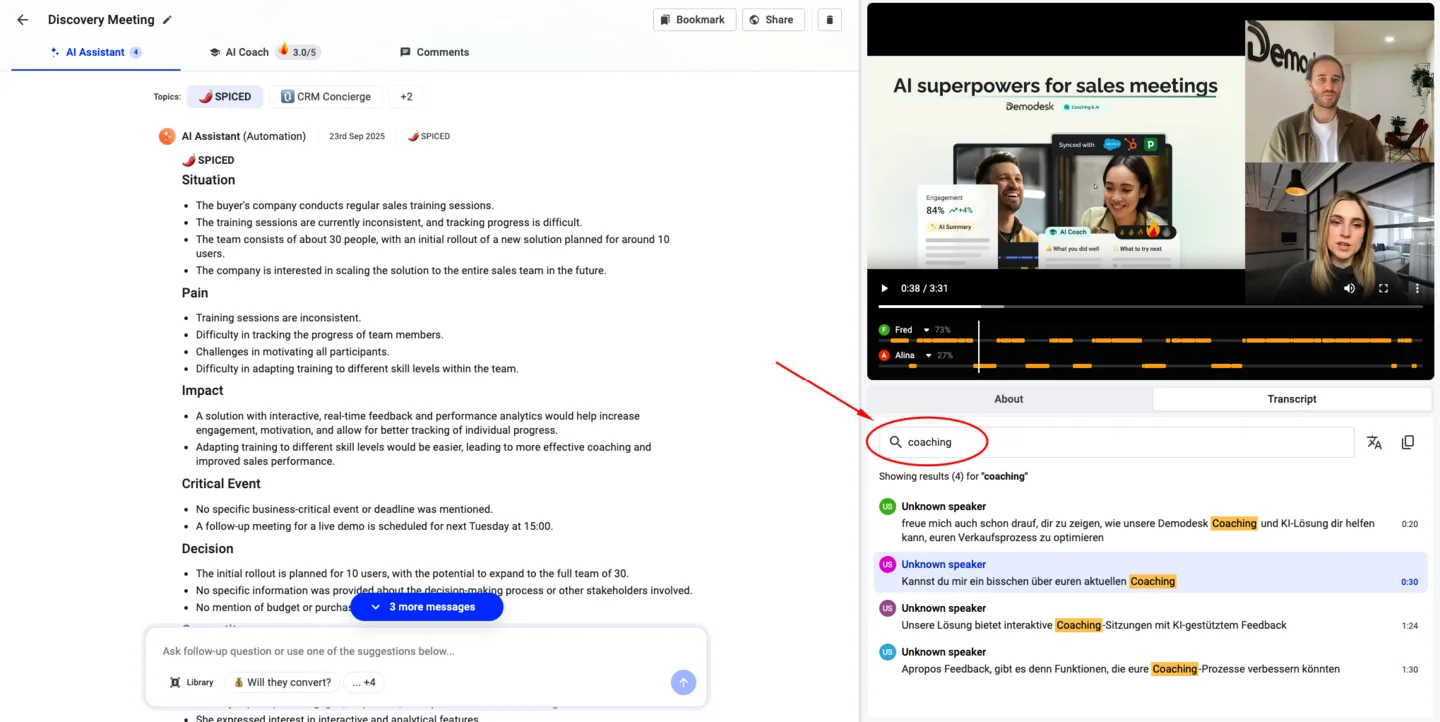
Key Takeaways
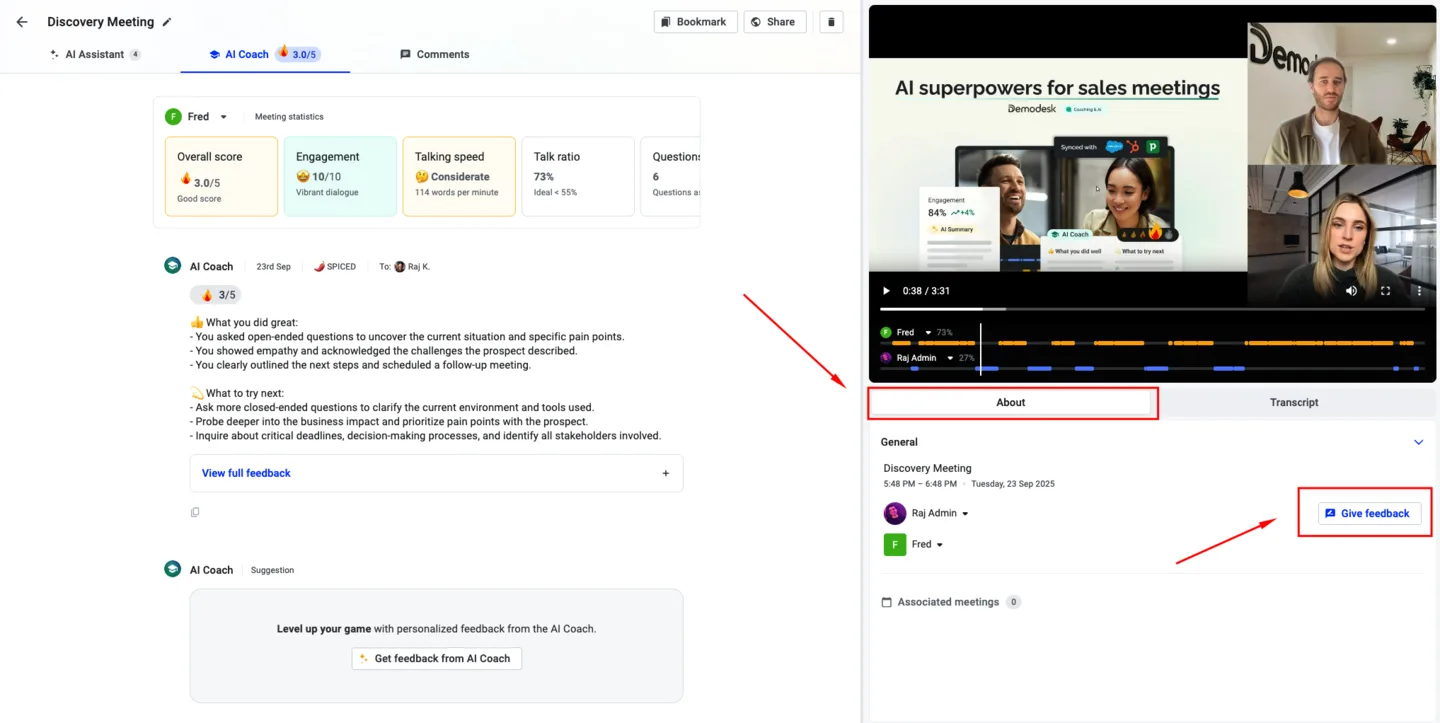
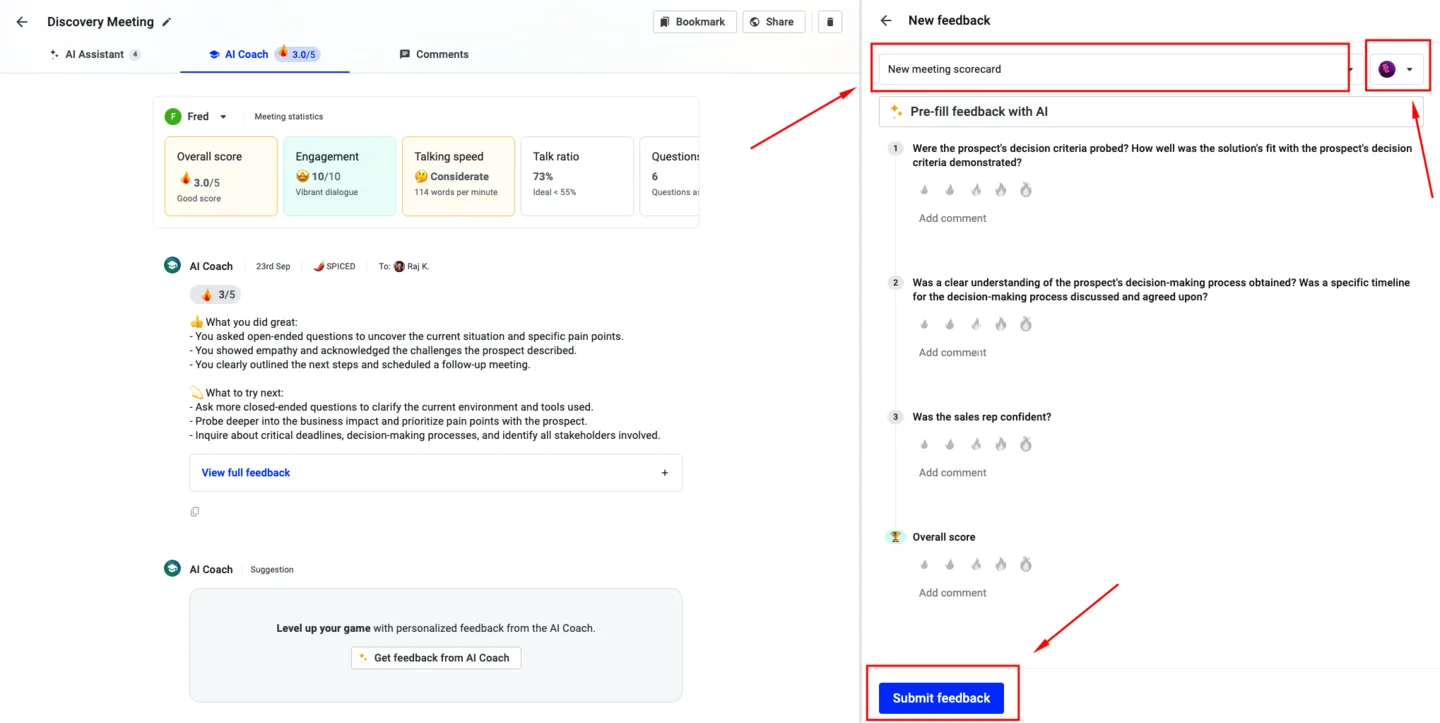
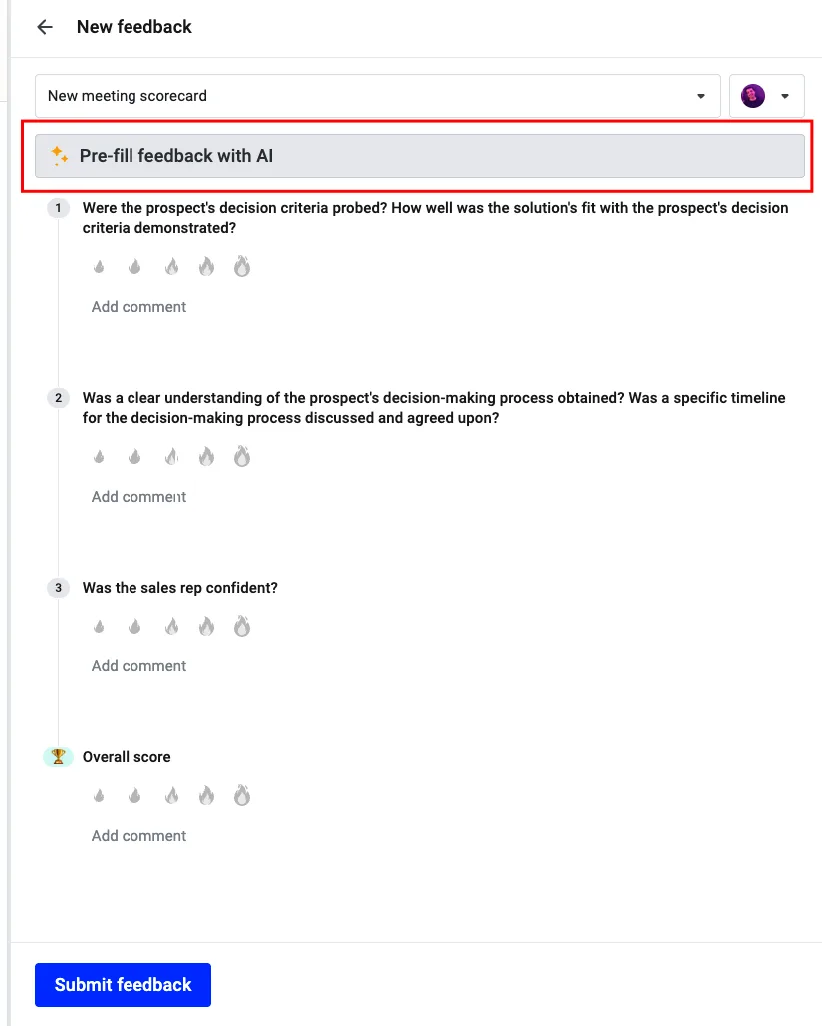
- Automated & Manual Feedback: Use AI Coach for automatic or manual feedback to enhance performance, customizable to specific needs.
- AI-Generated Summaries: Customize and sync AI-generated meeting summaries to your CRM, with the first summary generated being synced.
- Follow-Up Emails: Quickly generate follow-up emails based on meeting discussions, ensuring all key points are communicated efficiently.
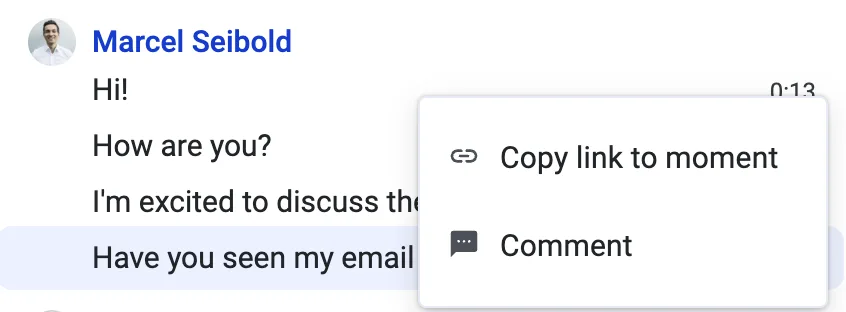
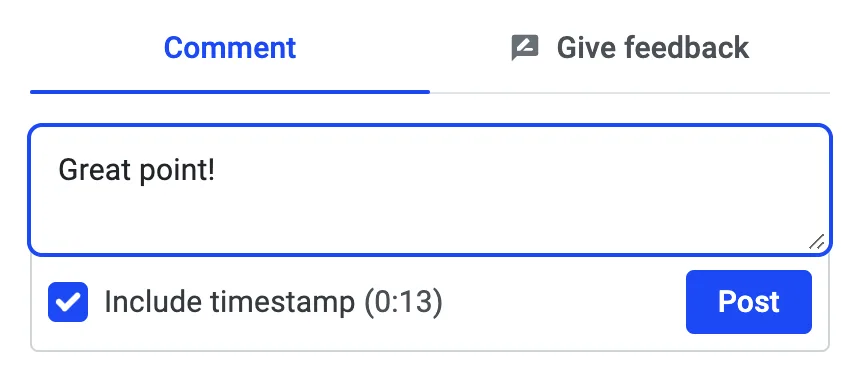
- Commenting & Sharing Moments: Add contextual comments and share specific moments within recordings to provide insights. Only users with a Coaching & AI license can access these modules.
- Customizable AI Summaries: Admins can set up rules to tailor AI-generated summaries, ensuring relevance and insights.
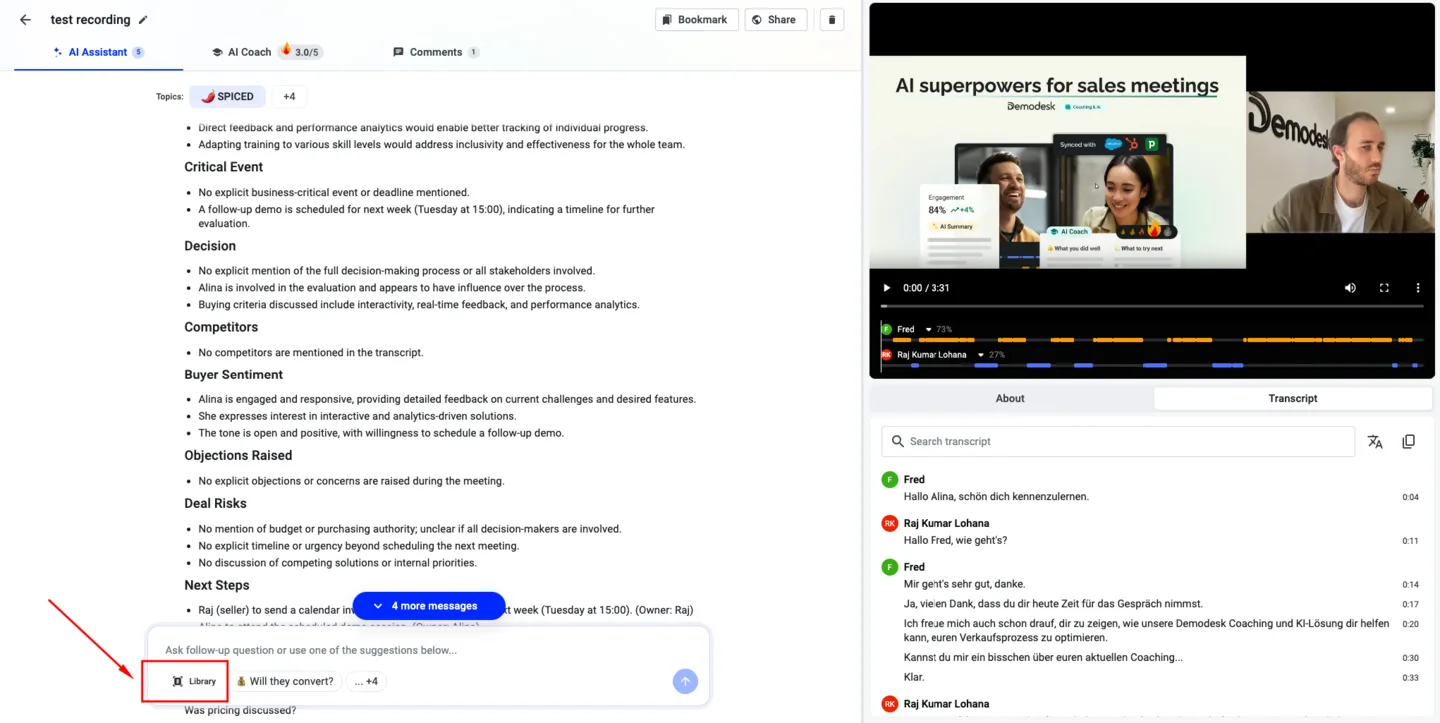
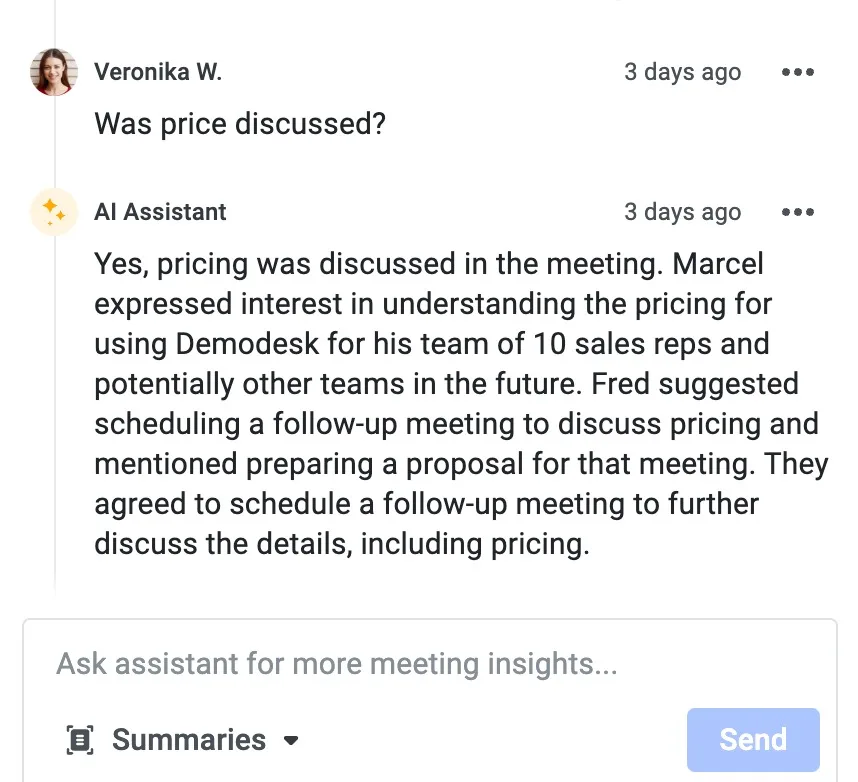
- Deep Insights with AI Chat: Utilize AI Chat for clarification, drafting emails, and verifying decisions, ensuring accurate communication of critical information.
FAQs
Related articles
Still need a hand?
Our support team answers in the app chat, or at support@demodesk.com.