Demodesk is on your phone: the mobile app is here
The Demodesk mobile app, custom integrations, AI Analyst in the Chrome extension, a new API endpoint and more.
📱 The Demodesk mobile app is here
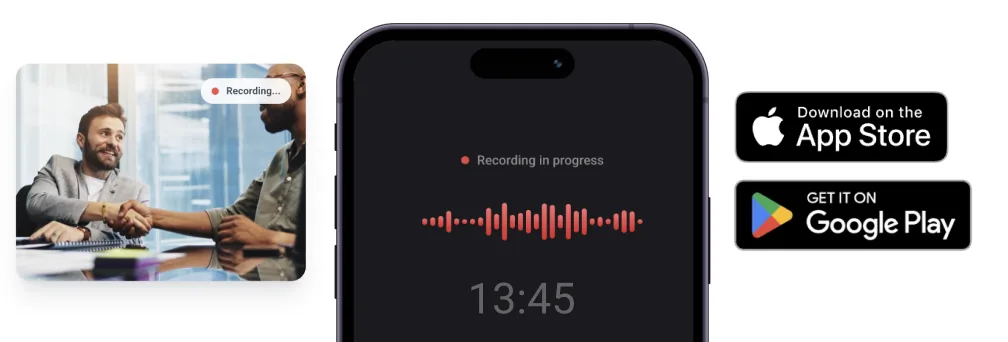
Demodesk now has a dedicated mobile app for Android and iOS. In-person meetings, field visits and on-site demos no longer go unrecorded: open the app, tap record, and the recording auto-uploads to Demodesk – with AI transcription, summaries, scorecard coaching and CRM sync, just like your virtual meetings.
- Calendar integration built in – See your upcoming meetings, tap one and start recording.
- Works with your CRM – Mobile recordings flow through the same CRM Concierge pipeline (HubSpot, Salesforce, Pipedrive).
- Who it's for – Field sales, account managers on site visits, recruitment teams running in-person interviews.
Download: Google Play · App Store
Custom integrations
Admins can now connect any external service to the AI Analyst, so the AI can pull data from or push data to it in conversations and through agents – customers already use this with Notion, Slack, Intercom, GitHub and others. Set it up under Settings → Integrations → Connections → Custom Integrations, or ask in the chat. You define the base URL, API key, allowed endpoints and usage instructions.
AI Analyst in the Chrome extension
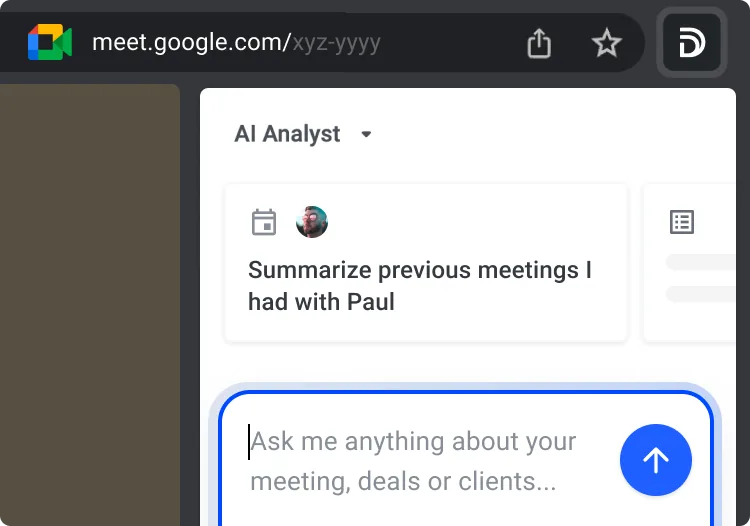
The AI Analyst is now available in the Chrome extension on any page – including during a live meeting in your browser. With Scheduling enabled too, toggle between booking links and the Analyst in the top navigation.
CRM Concierge can access scorecard data
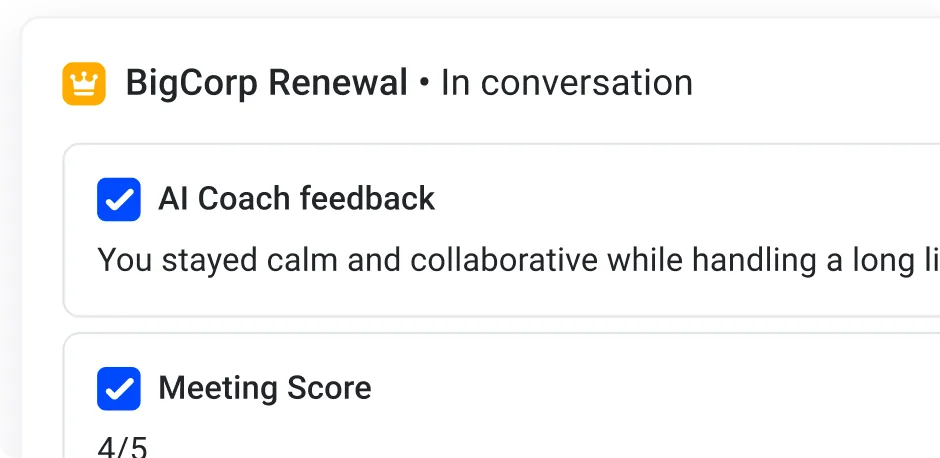
Add a custom instruction and the CRM Concierge will write scorecard results – coaching scores, SPICED results, feedback themes – into your HubSpot, Salesforce or Pipedrive fields.
New API endpoint for transcripts, summaries and scorecards
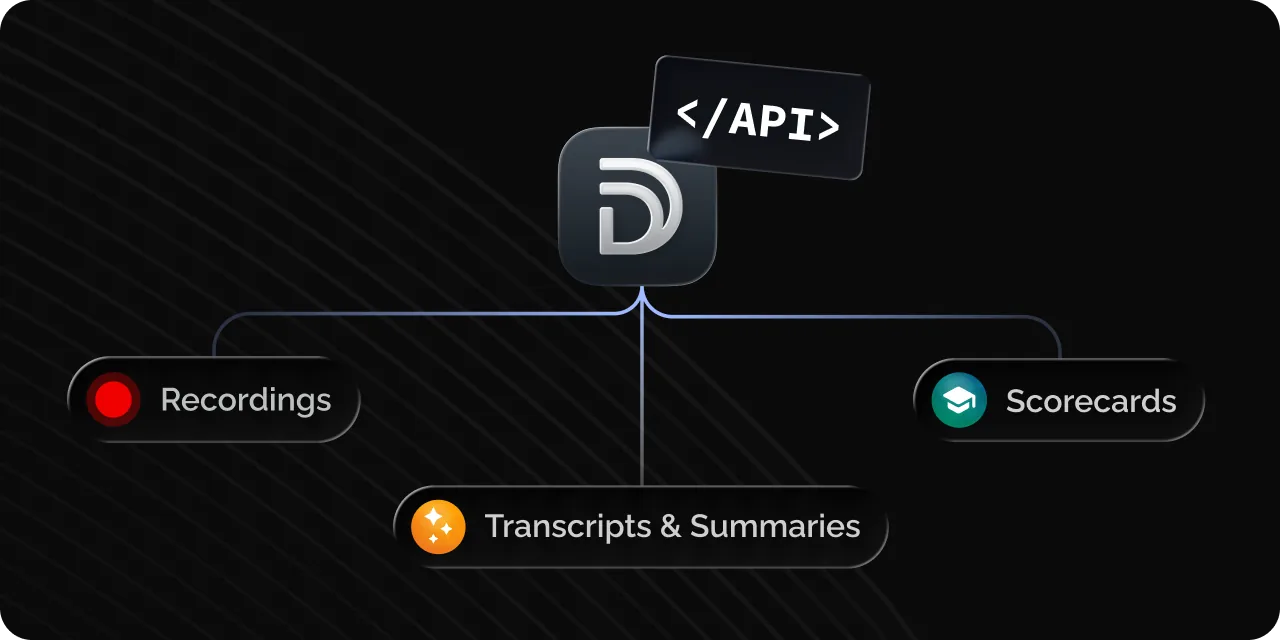
API v2 now offers access to transcripts, summaries and scorecard data (API key authentication), including bulk download of recordings. API reference.
Best practices
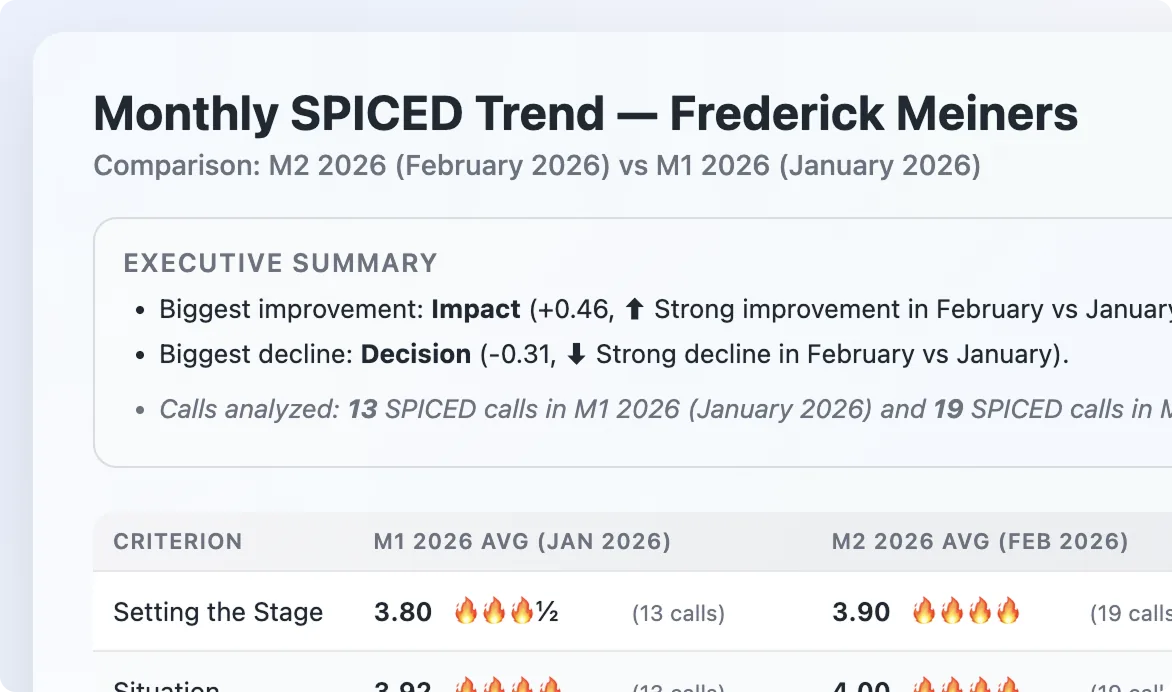
- AI meeting context – Describe in natural language when an automation rule for a scorecard, summary or CRM Concierge should trigger.
- Custom coaching reports – Try a prompt like: "Analyze the last 30 days of calls for [user name] where scorecards were used. Create a training plan with 1–2 focused recommendations per criterion, including example questions."
Other enhancements
- Better CRM Concierge error messages – Sync failures and association failures are now reported separately.
- Pipedrive dialer import – Import Pipedrive dialer recordings for transcription, scoring and coaching.
- Feedback on AI – Thumbs up/down (with optional reason) on AI chat messages.
Preview: Agents

Agents let you hand off recurring work to the AI: describe what you need in plain language and it runs on its own schedule – e.g. posting call key points to Slack or sending a weekly pipeline risk report. Learn more.