Automatically Fetch Transcripts from Demodesk Using Make
Updated September 23, 2025
On this page
Step 1: Use the Demodesk Trigger in Make
- Create a new scenario in Make.
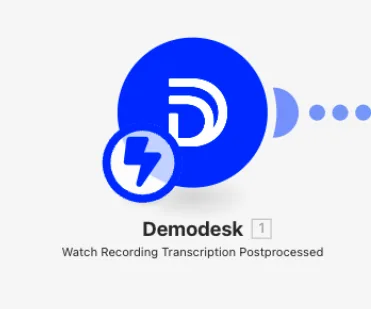
- Add the Demodesk module:
Watch Recording Transcription Postprocessed
Step 2: Retrieve the transcript
-
After the trigger, add an HTTP module.
-
Set it up like this:
Method:
GET
URL:https://admin.demodesk.com/admin/demos/{{1.data.attributes.demoId}}.json(Replace
{{1...}}with the correct output reference from the trigger.) -
In Headers, add:
api-key: your Demodesk API keyAccept:text/plain
This step fetches the full transcript text from the recording token received in the trigger.
Step 3: Store or send the transcript
You can now:
- Send the transcript to email, Slack, Notion, or Google Drive
- Convert it to a file using the “Create a Text File” module
💡 Tip
If you're only interested in the AI summary, you can fetch:
https://demodesk.com/api/v1/recordings/{{token}}/summary
Related articles
More in this category
Still need a hand?
Our support team answers in the app chat, or at support@demodesk.com.