How to dial-in to your Demodesk meeting?
Updated December 19, 2023
How to dial-in
If you have a weak internet connection or your firewall setup blocks you from connecting to a Demodesk meeting, you always have the option of dialing in. Just get your phone, call the phone number that corresponds to your country, and enter your pin. We'll then connect you automatically to your meeting.
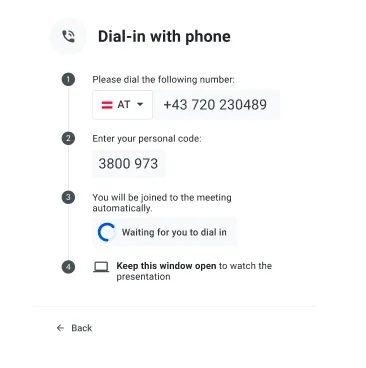
No PIN available yet?
The host has not yet let you into the meeting. Once he has done so, your pin will be generated. Please wait on this screen until then.
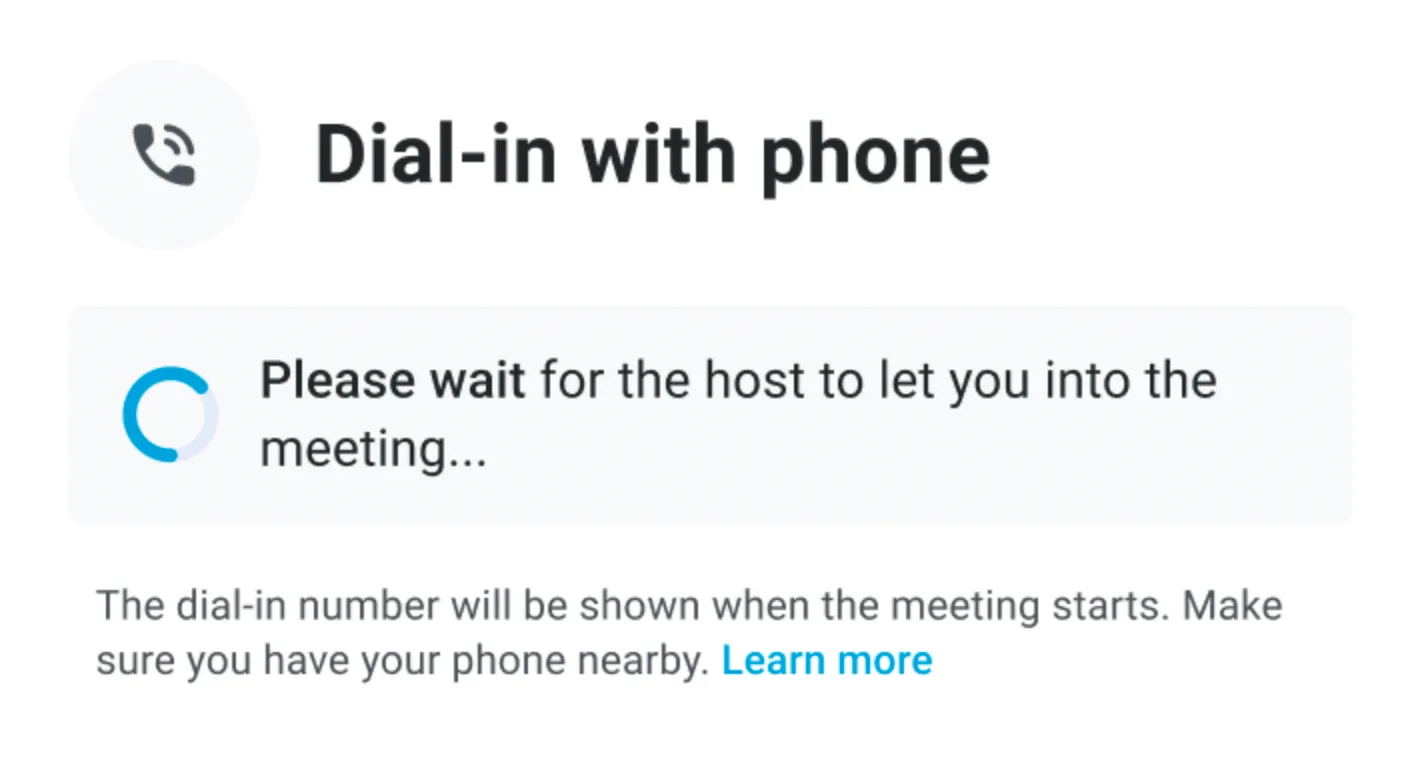
Dial-in numbers
| Australia | +61 2 5104 9739 |
|---|---|
| Austria | +43 720 230489 |
| Belgium | +32 78 25 06 94 |
| Canada | +1 613 909 4250 |
| France | +33 1 86 76 73 38 |
| Germany | +49 89 41207079 |
| Hong Kong | +852 3001 5444 |
| Ireland | +353 1 483 2934 |
| Israel | +972 3-376-0272 |
| Italy | +39 06 9931 0001 |
| Japan | +81 50-3205-0844 |
| Mexico | +52 55 4161 1401 |
| Netherlands | +31 30 774 0631 |
| New Zealand | +64 4-886 2060 |
| Norway | +47 21 95 13 29 |
| Poland | +48 73 210 6122 |
| Singapore | +65 3138 6704 |
| South Africa | +27 60 070 3116 |
| Spain | +34 518 90 07 56 |
| Sweden | +46 10 551 75 10 |
| Switzerland | +41 43 505 13 92 |
| United Kingdom | +44 20 3870 4129 |
| United States | +1 650-469-8350 |
Related articles
More in this category
Still need a hand?
Our support team answers in the app chat, or at support@demodesk.com.