How to upload documents in Demodesk?
Updated December 19, 2023
You can add files either when creating a Playbook or even during a meeting:
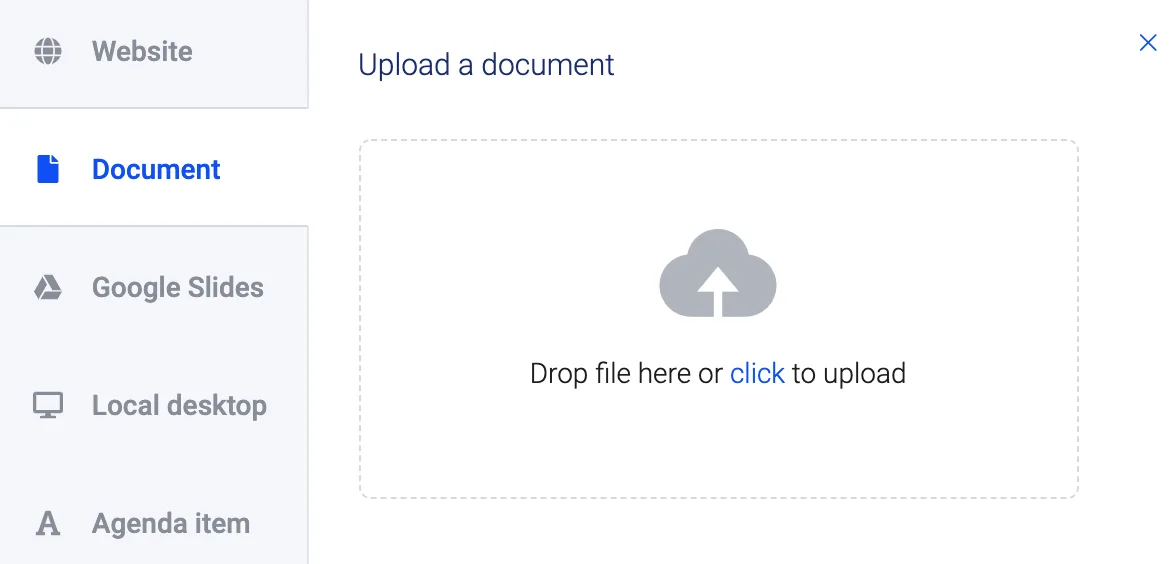
While all the following files are supported, we recommend using PDF.
- PNG
- JPEG
Windows Office Files (Max. file size 10 MB)
- PPTX
- PPT
- DOCX
- DOC
- XLSX
- XLS
More in this category
Still need a hand?
Our support team answers in the app chat, or at support@demodesk.com.